The Architecture of Retouching
the course is in ENGLISH
The course is available in voice-over in:
• Español 🇪🇸
• Italiano 🇮🇹
• Français 🇫🇷
• Deutsch 🇩🇪
• Português 🇵🇹
• Polski 🇵🇱
• Український 🇺🇦
• हिन्दी 🇮🇳
• 日本語 🇯🇵
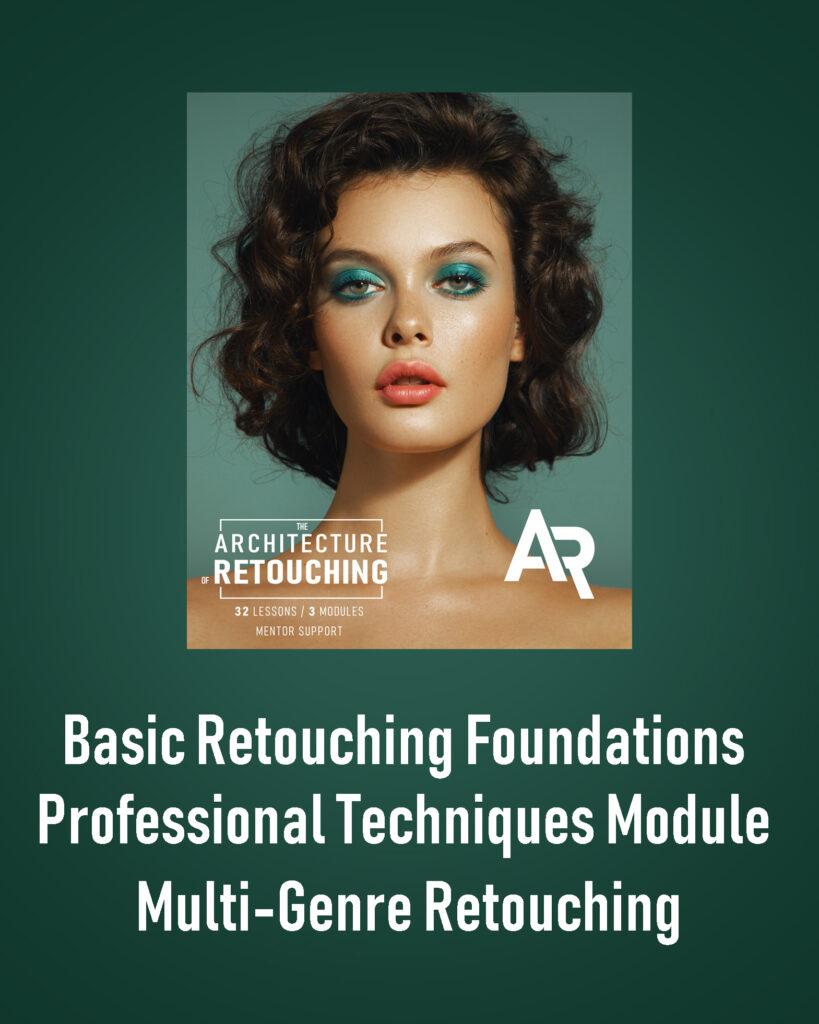
Professional retouching course in 3 modules
• Basic Module
• Professional Techniques
• Working with different genres
This course was made for you if:
Want to become a professional retoucher?
Master skin, makeup, clothing, nails retouching — and understand color like a pro
Learn the author’s signature technique “Focus on Skin”
Get a modern online profession and work on the international market
Be your own boss — no office, no manager
Take the most effective professional development course in the field
Tired of searching for retouchers who can’t deliver what you envision? Do it yourself!
If you’re a photographer, makeup artist, hairstylist, or blogger — this is the perfect addition to your skill set. You’ll create better content and raise your rates.
Retouching is a profession
that gives you freedom:
🔥 Online work — all you need is a laptop
🔥 A flexible schedule that fits your life
🔥 The freedom to travel while working
🔥 A creative and fulfilling profession
🔥 Work from anywhere with clients around the world
🔥 Collaborations with brands, celebrities, and influencers
Perfect for both improving your skills and taking your career to the next level
The second module is entirely focused on professional retouching techniques;
Viktor shares his personal workflow and signature methods;
Two dedicated lessons on color theory and working with color;
Career development and marketing in the creative industry;
Viktor shares real stories and insights from his personal experience;
Portfolio enhancement: create new works to showcase your skills;
The first module helps fill gaps in basic knowledge and speeds up your workflow with essential tools
The course consists of 3 modules
Basic Module (10 lessons)
1. Installing Photoshop
2. Customizing the program interface
3. Tools panel overview
4. Layers panel overview
5. Filters panel overview
6. Adjustment layers
7. Working with masks
8. Masking practice
9. Camera Raw
10. Basic retouching
By the end of this module:
– You’ll confidently navigate the essential tools for working with images
– You’ll know how to enhance color and light to make your photos shine
– You’ll master the fundamentals of clean, natural retouching
Professional Techniques Module (11 lessons)
1. Healing Brush tool
2. Dodge and Burn technique
3. Key nuances of professional retouching
4. Frequency Separation — “Glossy Finish” technique
5. Light & Shadow Structure technique
6. Color theory
7.1. Color correction techniques. Part 1
7.2. Color correction techniques. Part 2
8. Frequency Separation — “Challenging Areas” technique
9. Clothing retouching
10. Complete retouching workflow
By the end of this module:
– You’ll learn how to work with photos like a pro
– You’ll master the art of color correction and enhancement
– You’ll understand the correct step-by-step retouching workflow
Marketing & Multi-Genre Retouching Module (12 lessons)
1. Retouching makeup
2. Working with low-quality photos
3. Full-body retouching / background work
4. Marketing fundamentals
5. Social media & personal brand promotion
6. Pricing & working with clients
7. Product retouching
8. Creating actions & presets
9. AI-assisted retouching
10. Mature skin retouching
11. Male portrait retouching
12. Wedding photography
13. Final project & graduation work
By the end of this module:
You’ll be fully prepared to work with real clients — from pricing and communication to marketing and social media promotion.
You’ll also explore retouching across different genres, including beauty, product, and wedding retouching.
LEARNING PROCESS
01
The course includes 34 video lessons, practice materials, and portfolio-building tasks.
Each lesson comes with a homework assignment to help reinforce what you’ve learned.
02
The course is divided into 3 modules:
• Basic Module
• Professional Techniques
• Working with Different Genres
03
You can purchase each module separately, or get all three together at a discounted bundle price.
04
All lessons are pre-recorded, so you can study at your own pace and on your own schedule.
05
To take this course, you will need a computer or laptop with Adobe Photoshop installed, and either a mouse or a graphic tablet — whichever you prefer.
06
After purchasing the course, go to the “Courses” section on the website.
Find your selected course plan — the videos will be available for viewing there.
07
For any questions, feel free to contact our Care Team at the bottom of the website.
08
Upon completion, you will receive a Certificate of Completion —
only available for plans that include mentor support.
09
Lifetime access to all course materials.
Learning With Mentor Support
01
If you choose a plan with mentor support, you’ll have personal one-on-one communication with your mentor.
Each module includes 1 month of mentor support.
You can chat with your mentor via WhatsApp or Telegram — whichever you prefer.
02
After purchasing a plan with support, please contact your mentor and provide:
– Your full name (as it should appear on the certificate, in English)
– The module(s) you’ve purchased
– Your support start date
– A screenshot or copy of your payment receipt
03
Working with your mentor includes:
– Submitting your homework after each lesson for review and feedback
– Asking any course-related questions directly to your mentor
– Communicating in a respectful and polite tone
– You may message your mentor at any time — they’ll reply as soon as possible (but not instantly)
– Please only submit photos from the course for review.
This ensures you stay on track and follow the structured learning path.
Tariffs
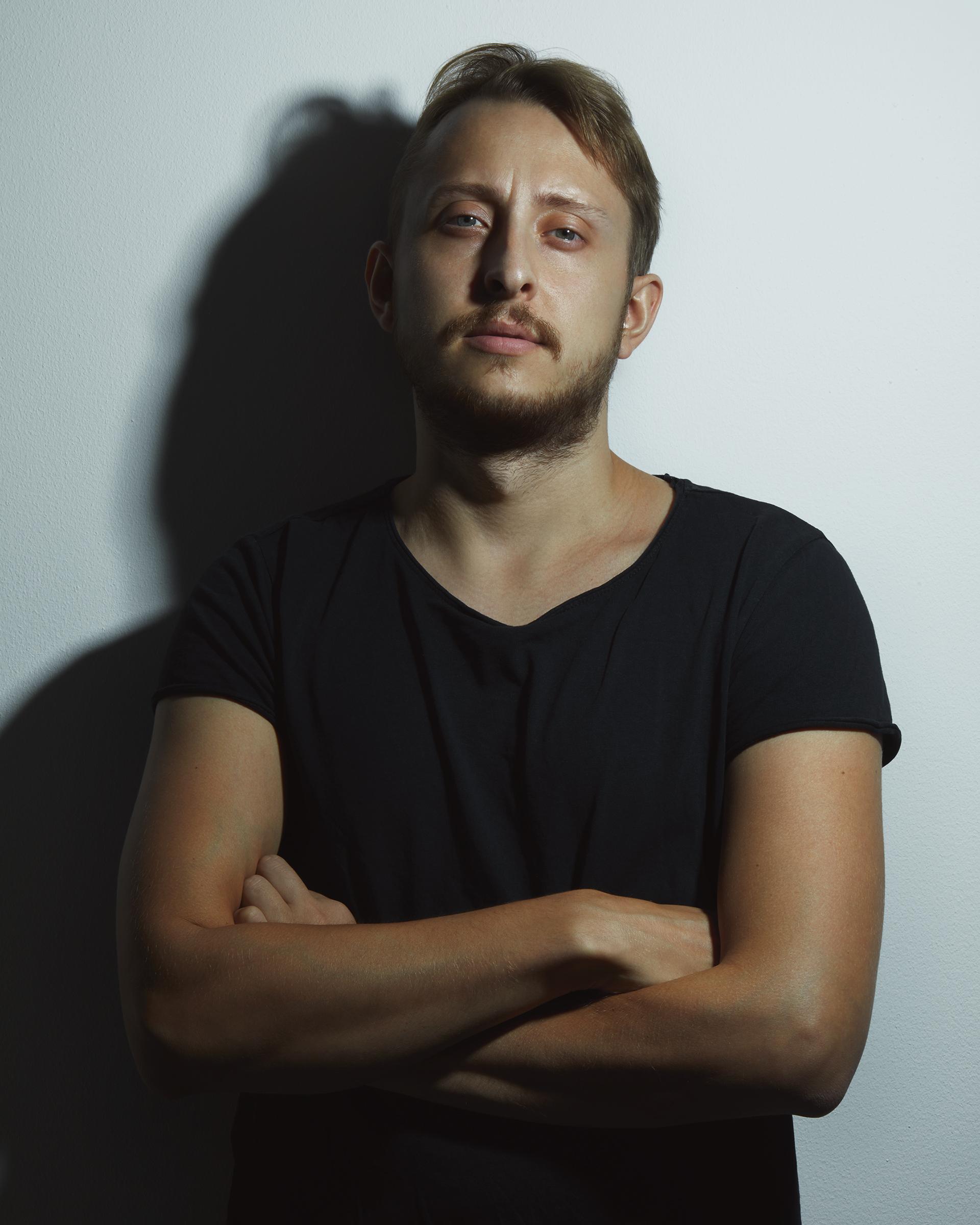
Viktor Kyslyi
Renowned Beauty Photographer & Retoucher
15 years of experience in photography and retouching
10 years of teaching experience
Over 2,500 students from 130+ countries
Author of the course “The Architecture of Retouching”
Author of the course “The Architecture of Photography”
Creator of the signature retouching technique “Focus on Skin”
Developer of multiple photography and retouching training programs
Brands: DIOR, MAC Cosmetics, Jacob & Co, Givenchy, Make Up For Ever, Shiseido, Kevyn Aucoin, Danessa Myricks, NARS, PAESE, INGLOT, Kilian Paris, Make-Up Atelier Paris, DAMIANI, and more.
Featured in: Harper’s BAZAAR, L’Officiel
Collaborations with top makeup artists worldwide
Frequently Asked Questions
A computer or laptop. Any device that runs smoothly during regular use will be suitable for learning.
The larger the screen — the more comfortable your workflow. The more powerful the computer — the smoother your experience.
Ideal setup: MacBook Pro 16”, 16 GB RAM.
But this is not a requirement.
A graphics card does not affect how Photoshop runs.
You’ll also need a mouse or a graphic tablet — whichever you prefer.
Absolutely!
Module 1 starts from the very beginning — including how to install Photoshop and what it is.
It’s perfect for those who have never worked with the program before.
Modules 2 and 3 are exactly what you need.
Viktor’s techniques go far beyond the typical “patch and dodge & burn” approach — he also teaches how to significantly speed up your retouching process.
That said, Module 1 is also highly recommended.
It helps fill in the gaps in your foundational knowledge.
If you use Photoshop but not confidently, starting with Module 1 can really strengthen your base.
Absolutely!
The course covers everything you need to know to work with makeup, hair details, nails, and more.
You’ll learn how to refine your own work — from adjusting blending and lip color to working with color tones and even reshaping elements when needed.
Absolutely!
Once you purchase the course, you get lifetime access — you can rewatch the lessons anytime, as many times as you like.
Absolutely.
Just keep in mind that mobile photos are much smaller in resolution, which means there are fewer retouching possibilities compared to high-resolution camera images.
That depends on the individual, of course.
But you’ll already have enough knowledge to start working with clients by the middle of Module 3 — even before completing the full course.
From there, it all depends on your motivation and how actively you apply what you’ve learned.
Yes, absolutely.
Module 3 includes dedicated lessons on marketing, pricing strategies, and how to promote yourself on social media to attract clients.
No, professional retouching can only be done on a computer.
While there are similar apps available for phones and tablets, they are simplified versions.
You can change colors or apply basic edits, but they don’t offer the full functionality needed for high-end retouching.
Most professional retouchers prefer working with a graphic tablet,
but Viktor personally works exclusively with a mouse, and many others do too.
In the end, it’s all about your comfort and personal preference.
We recommend trying both and choosing what feels best for you.
Care Team
Got questions about the course? Our support team is here to help