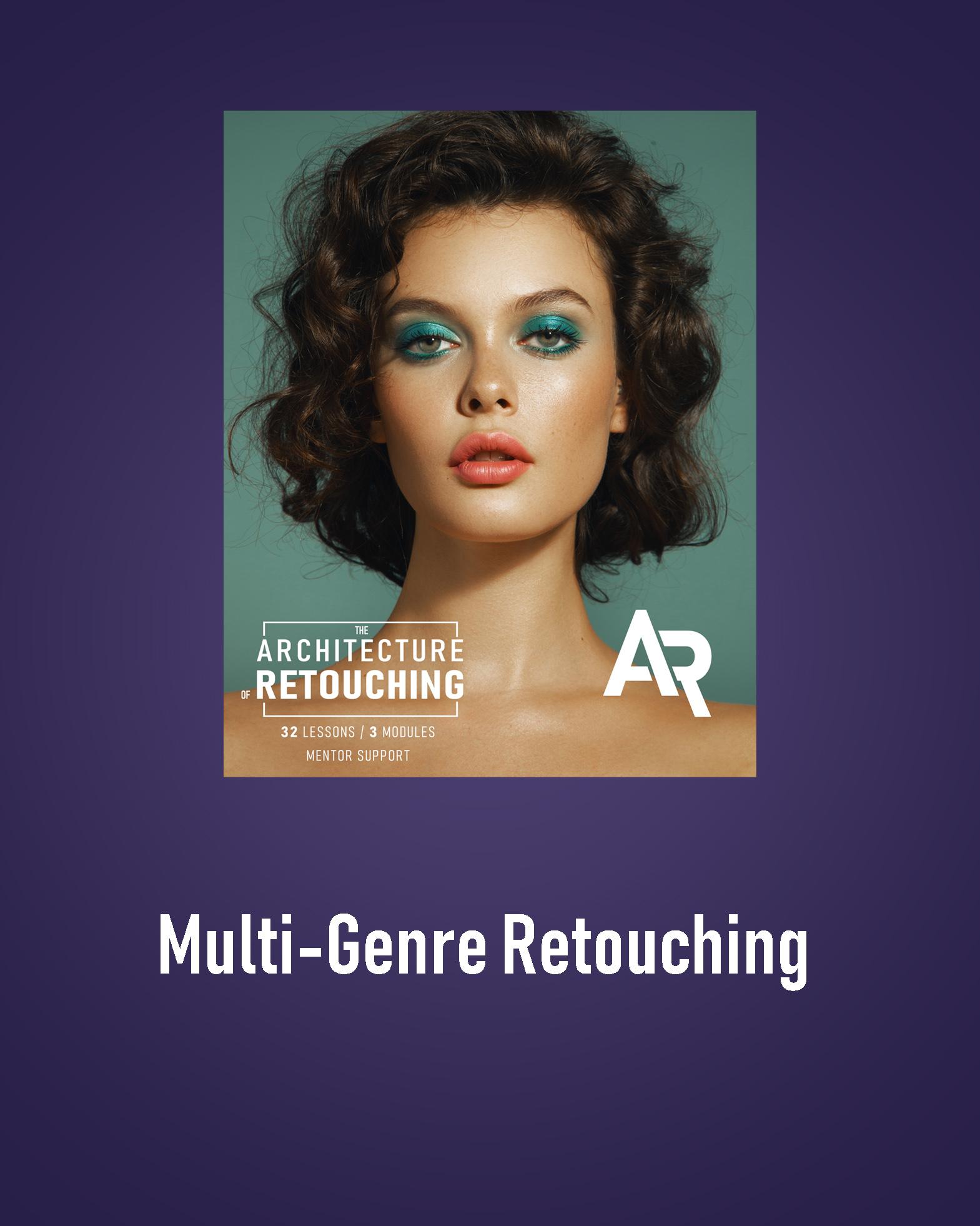
О курсе
The Architecture of Retouching
Practice in Various Genres
This module is designed to prepare you for real-world work — combining multi-genre retouching techniques with practical, portfolio-building experience.
Recommended prerequisite: completion of the Advanced Professional Techniques module.
You should already have:
– Proficiency in professional retouching techniques
– Experience working with skin and correcting imperfections
– A deep understanding of color
– Knowledge of frequency separation
– Skills for working with shadow patches
⸻
What You’ll Need
• A computer or laptop
• A mouse or a graphic tablet
• A notebook for taking notes
• Before starting the training, you will need to install Adobe Photoshop.
⸻
What’s Included
• 12 pre-recorded lessons
• Lifetime access to all videos
• Homework assignments after each lesson
• Practice materials included
• 10 professionally retouched photos for your portfolio
⸻
Marketing & Multi-Genre Retouching Module (12 lessons)
1. Retouching makeup
2. Working with low-quality photos
3. Full-body retouching / background work
4. Marketing fundamentals
5. Social media & personal brand promotion
6. Pricing & working with clients
7. Product retouching
8. Creating actions & presets
9. AI-assisted retouching
10. Male portrait / mature skin retouching
11. Wedding photography
12. Final project & graduation work
⸻
By the end of this module:
You’ll gain hands-on experience and build a strong portfolio with 10 professionally retouched images.
You’ll be fully prepared to work with real clients — from pricing and communication to marketing and social media promotion.
You’ll master retouching techniques across different genres, including beauty, product, and wedding photography.
✔️ ATTENTION: After payment, you will receive two emails:
1. A payment receipt
2. An email from our website with a link to the course and step-by-step instructions
You can also log in to the website, go to the Courses section, and find the module you purchased — your video access will be instantly available.
Содержимое курса
Video
-
Lesson 21: Retouching makeup
00:00 -
Lesson 22: Working with low-quality photos
00:00 -
Lesson 23: Full-body retouching / background work
00:00 -
Lesson 24: Marketing fundamentals
00:00 -
Lesson 25: Social media & personal brand promotion
00:00 -
Lesson 26: Pricing & working with clients
00:00 -
Lesson 27: Product retouching
00:00 -
Lesson 28: Creating actions & presets
00:00 -
Lesson 29: AI-assisted retouching
00:00 -
Lesson 30: Mature skin retouching
00:00 -
Lesson 31: Male portrait retouching
00:00 -
Lesson 32: Wedding photography
00:00 -
Lesson 33: Final project & graduation work
00:00
