Color Architecture
Do you struggle with color?
1. Your photos always look dull or oversaturated?
2. Keep sliding the sliders — but nothing works?
3. Colors look different on your phone and monitor?
4. Can’t get natural, clean skin tones?
5. Look at your photos the next day — and they look awful?
The course is in ENGLISH
The course is available in voice-over in: 🇺🇸🇪🇸🇮🇹🇩🇪🇵🇱🇵🇹🇺🇦🇫🇷🇮🇳🇯🇵
14 lessons across 2 modules
• Module 1 — Color Theory
• Module 2 — Professional Techniques & Practice
Who this course is for
• For RETOUCHERS — beginners and working professionals,
• For PHOTOGRAPHERS who edit their own shots,
• And for anyone who works with color — MAKEUP ARTIST, DESIGNERS, ILLUSTRATORS, and more.
🎨 This course is for you if:
• Skin tones keep turning pink, green, or gray;
• You can’t get natural tones no matter what;
• Your colors look “muddy” or “plastic”;
• You can’t feel the balance between warm and cool;
• You don’t get why the reference looks so clean and soft.
After the course you’ll:
• Stop guessing with color;
• Learn to see, understand, and control it;
• Finally enjoy the process;
• Create perfect color in just 2–5 minutes;
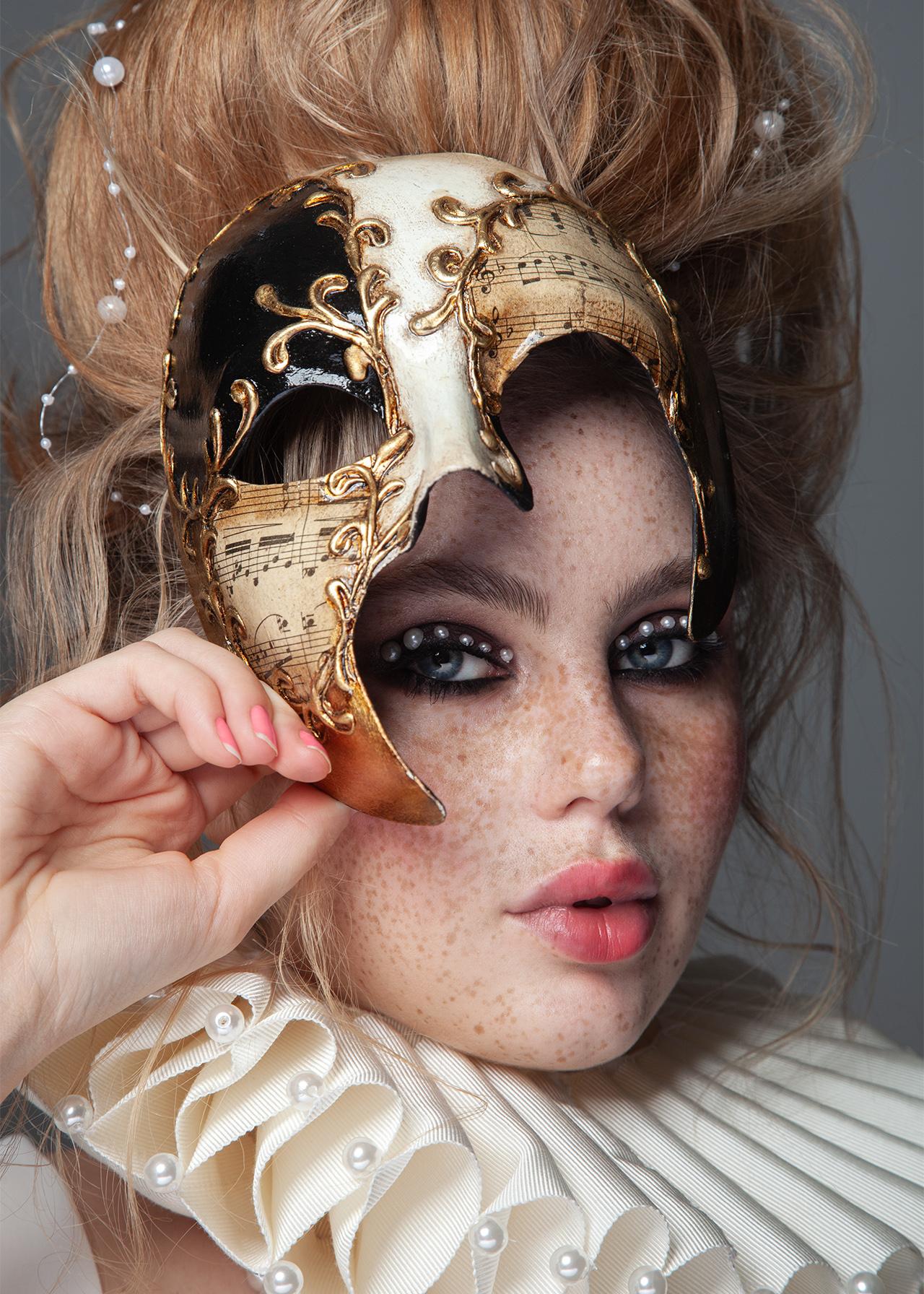
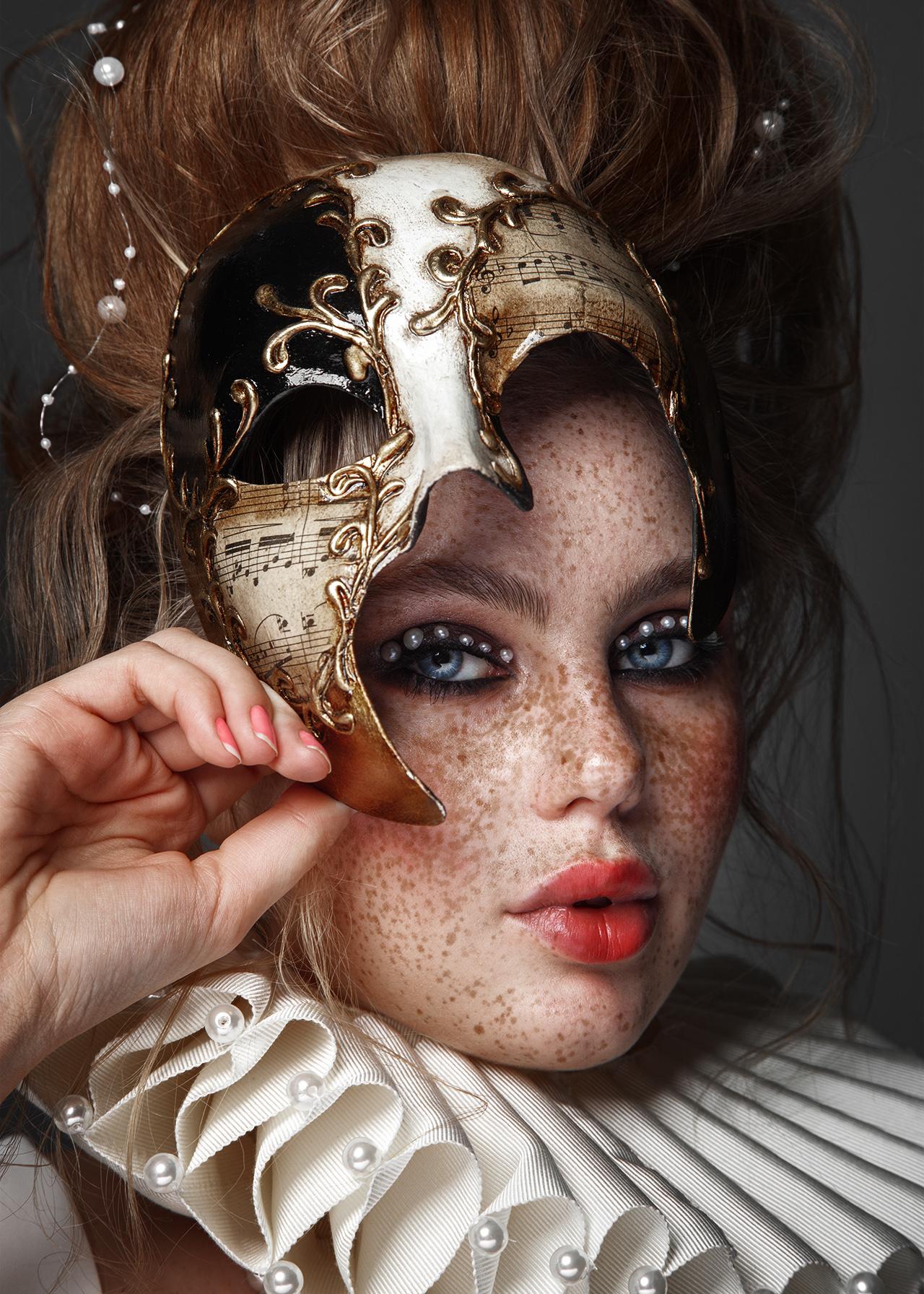
• See real examples of color correction on real photos;
• And understand how your clients actually see the color in your work.
PRICE INCREASE
- 00Дни
- 00Часы
- 00Минуты
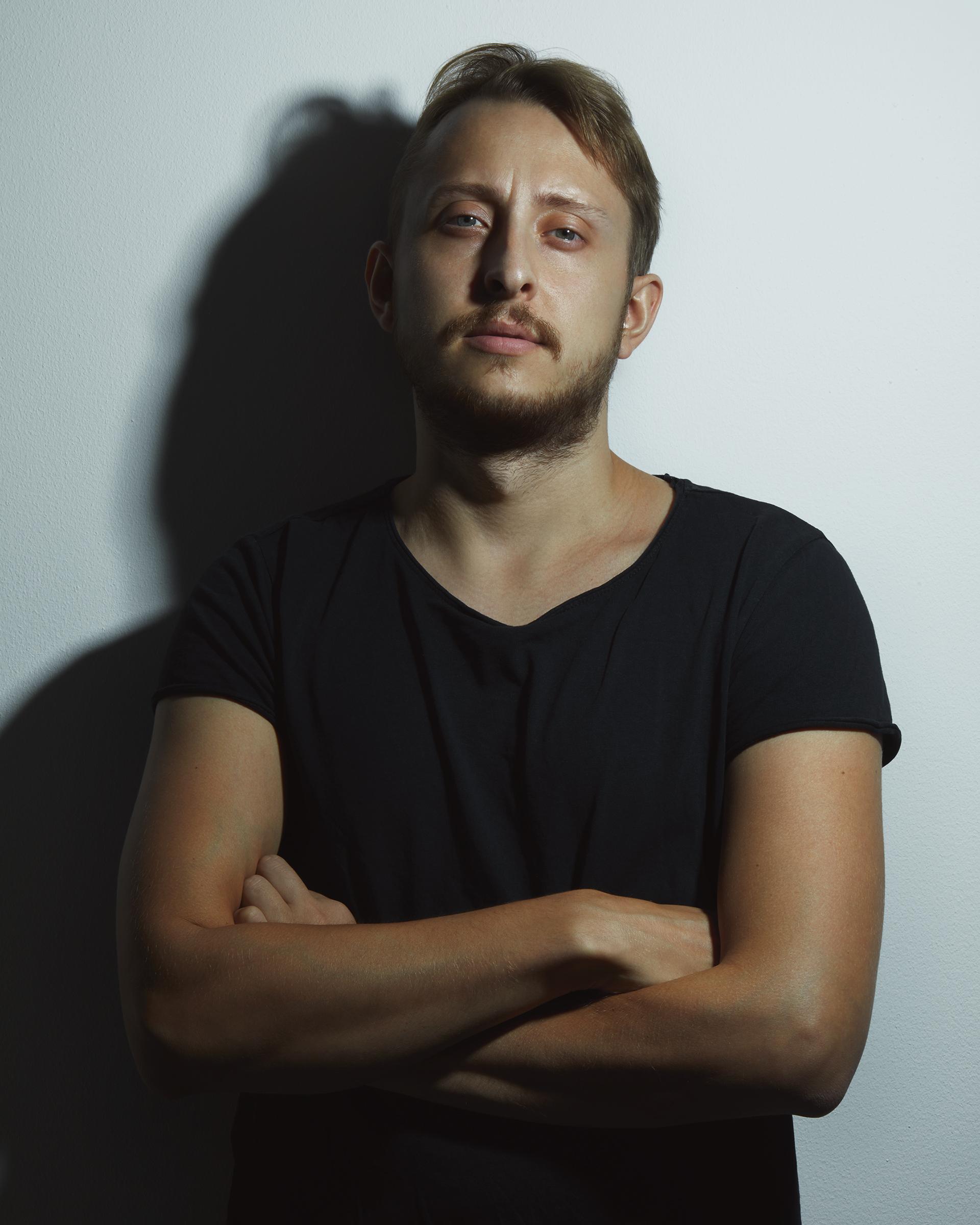
Viktor Kyslyi
Photographer, retoucher, and educator whose knowledge and system reshape how people see the craft.
16 years in photography and retouching
9 years of teaching experience
More than 2,500 students from 130 countries — many of whom now work with leading brands and magazines
Winner of the 35AWARDS 2019 as Photographer of the Year, and a jury member representing Ukraine at the 2020 awards
Creator of the signature retouching technique "Focus on Skin", and author of courses followed by hundreds of professionals worldwide
Worked with brands such as DIOR, MAC Cosmetics, Jacob & Co, Givenchy, Shiseido, NARS, Danessa Myricks, PAESE, INGLOT, and others
His work has appeared in Harper’s BAZAAR, L’Officiel, and top international beauty publications
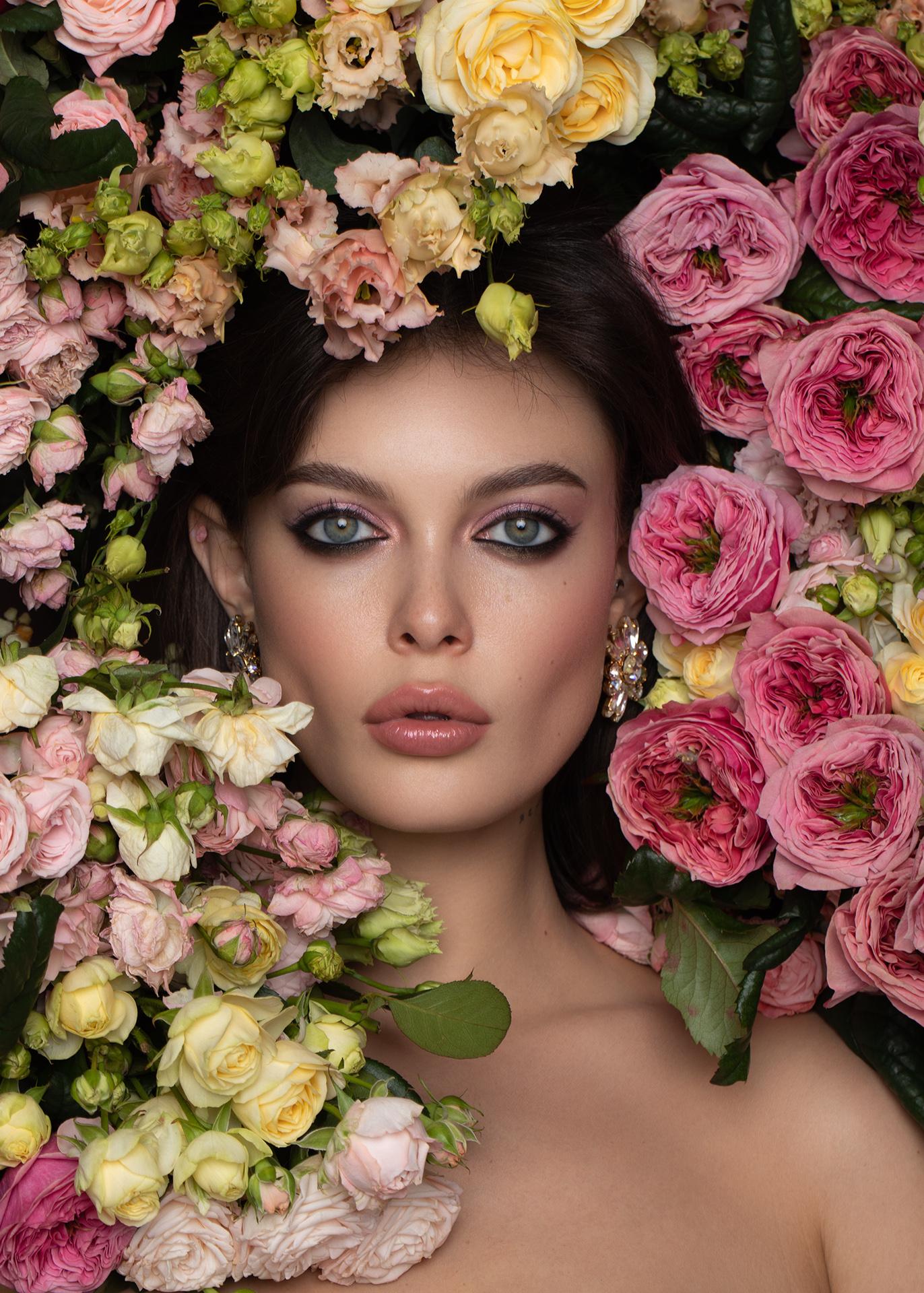
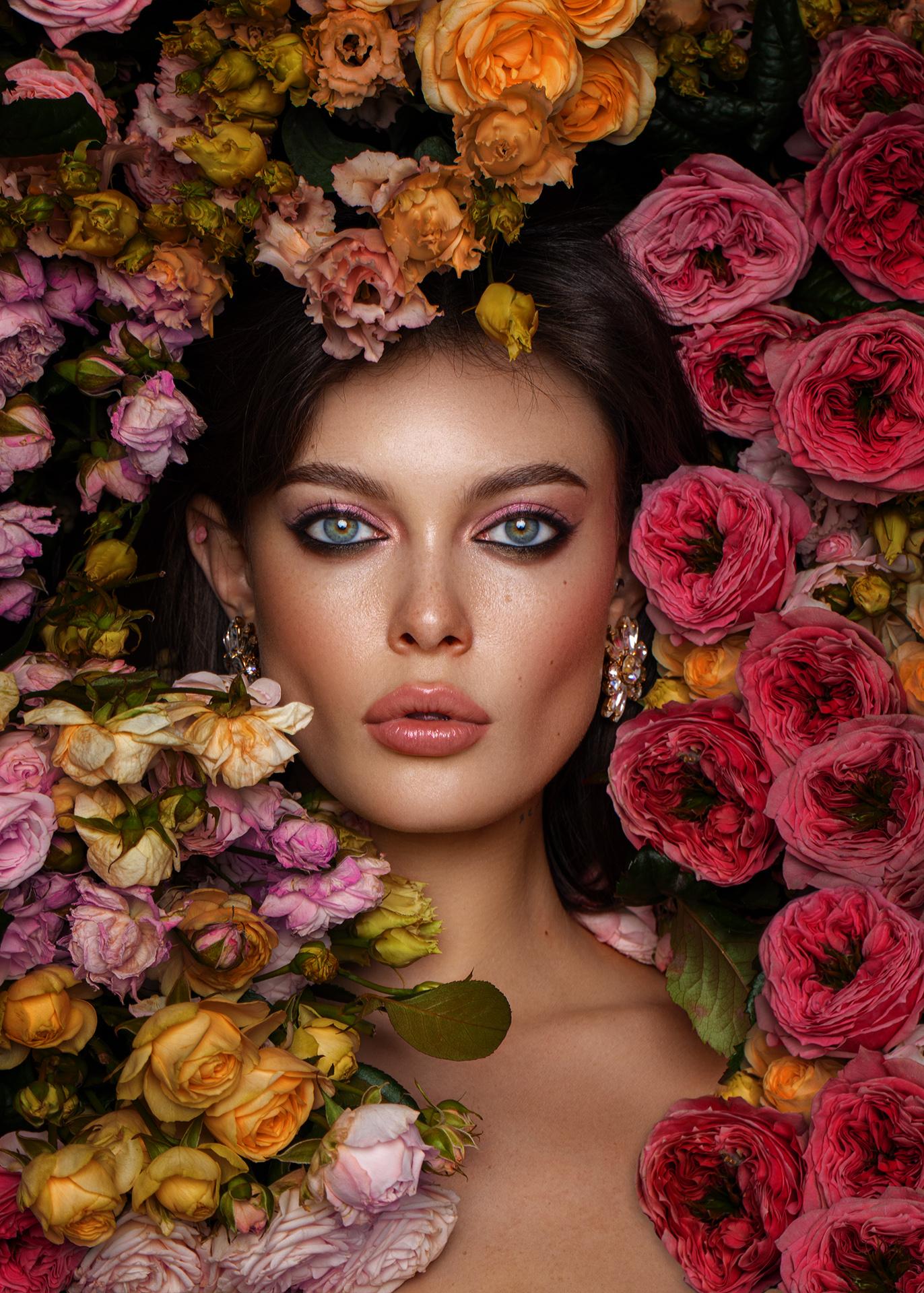
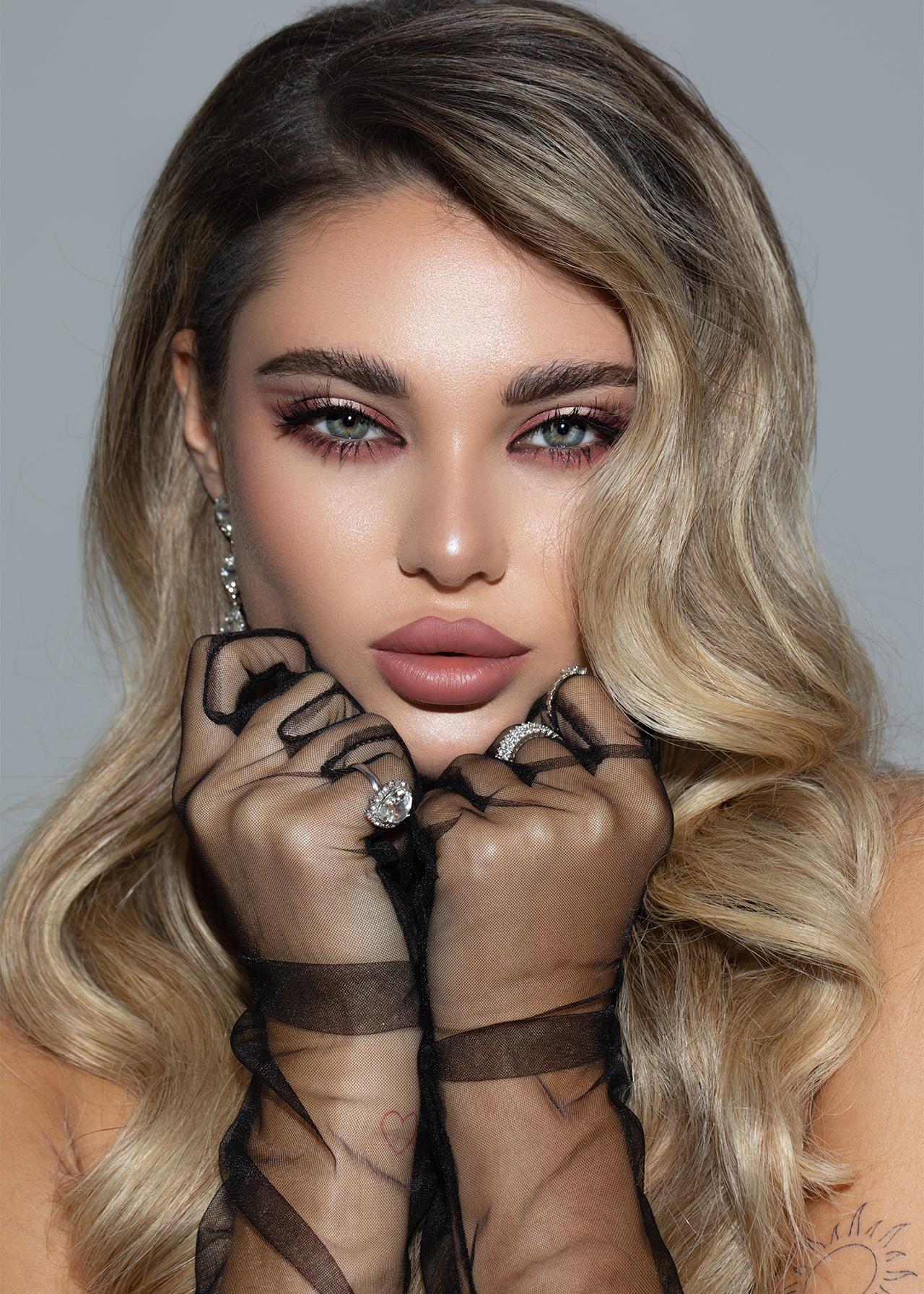
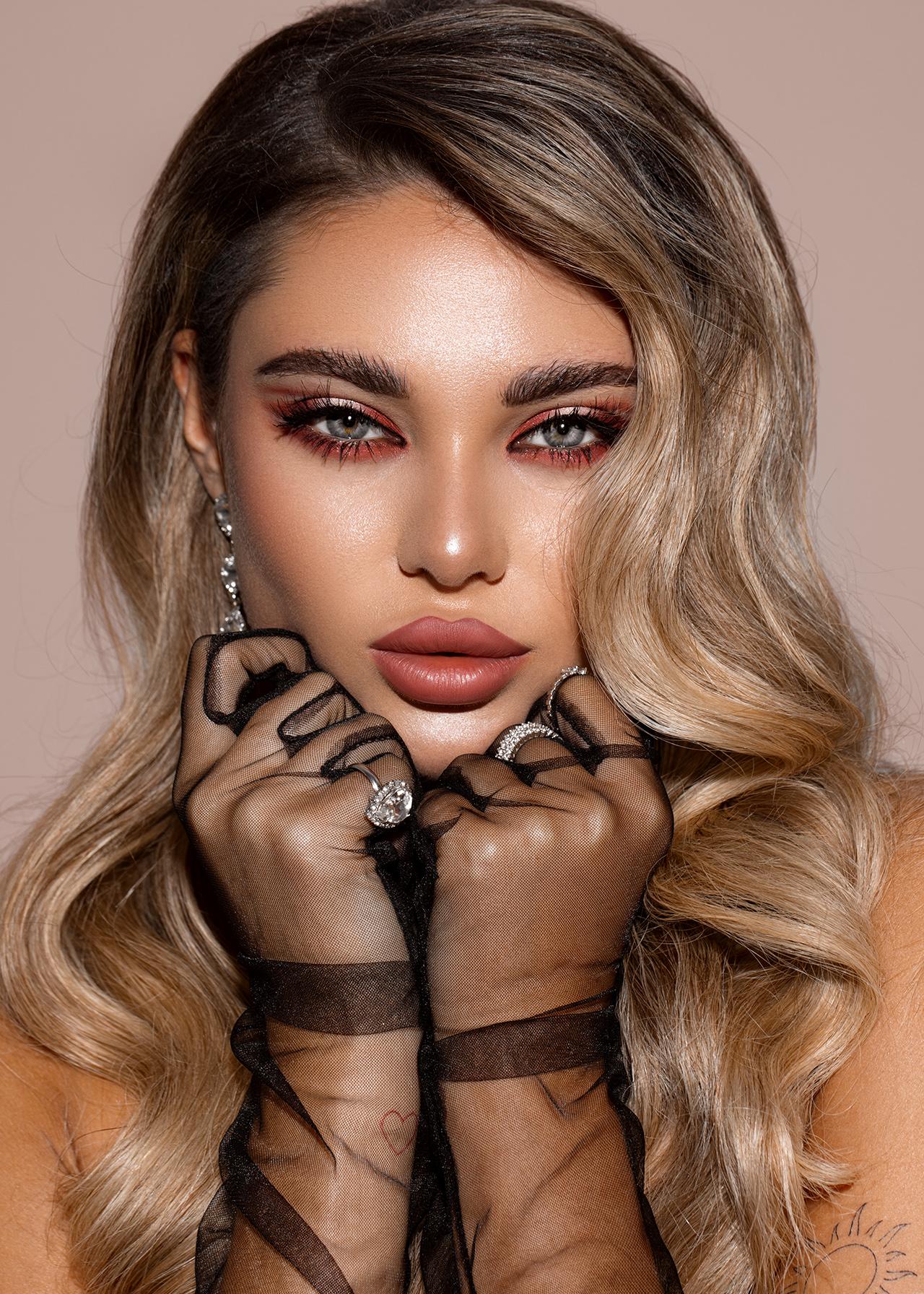
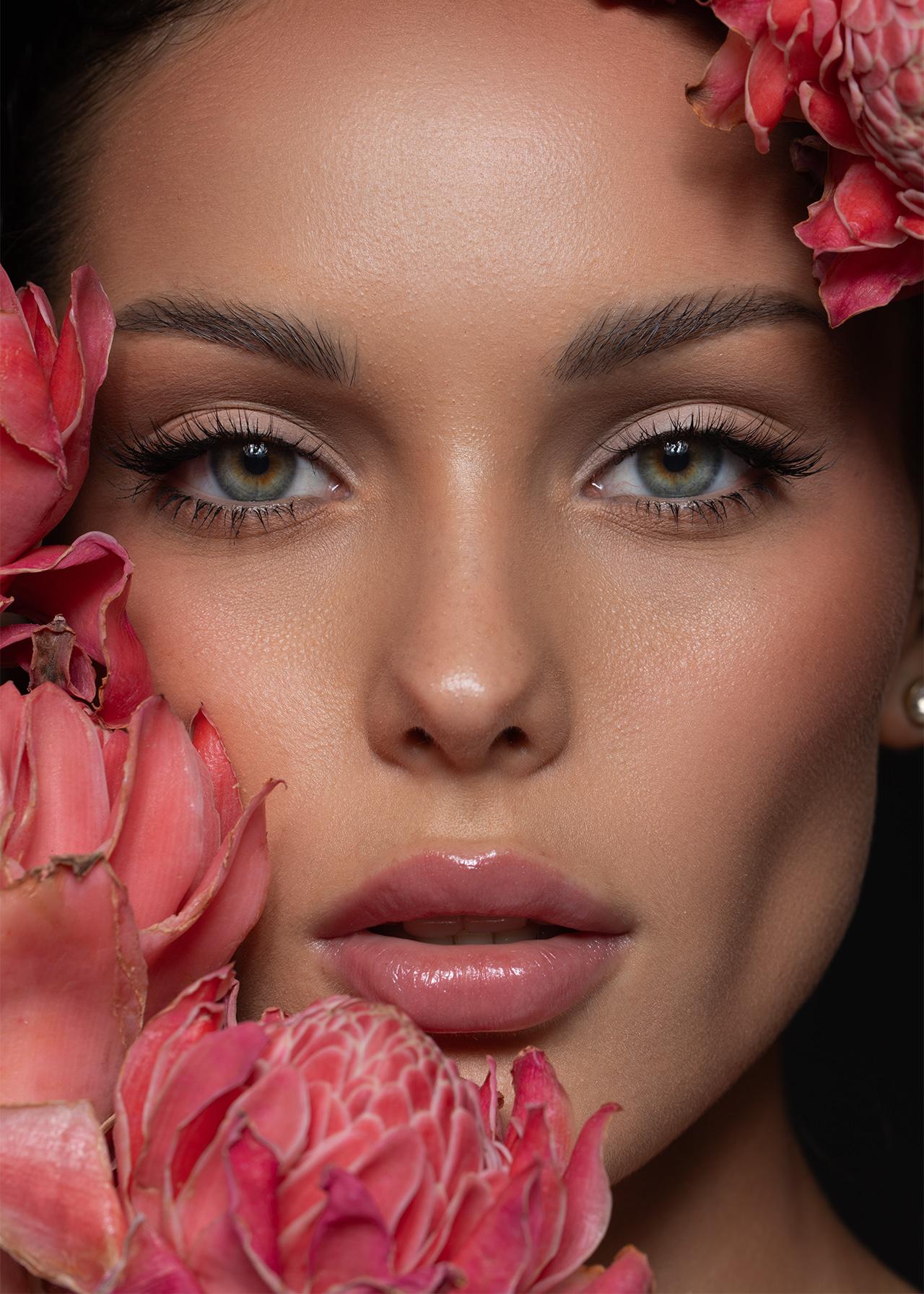
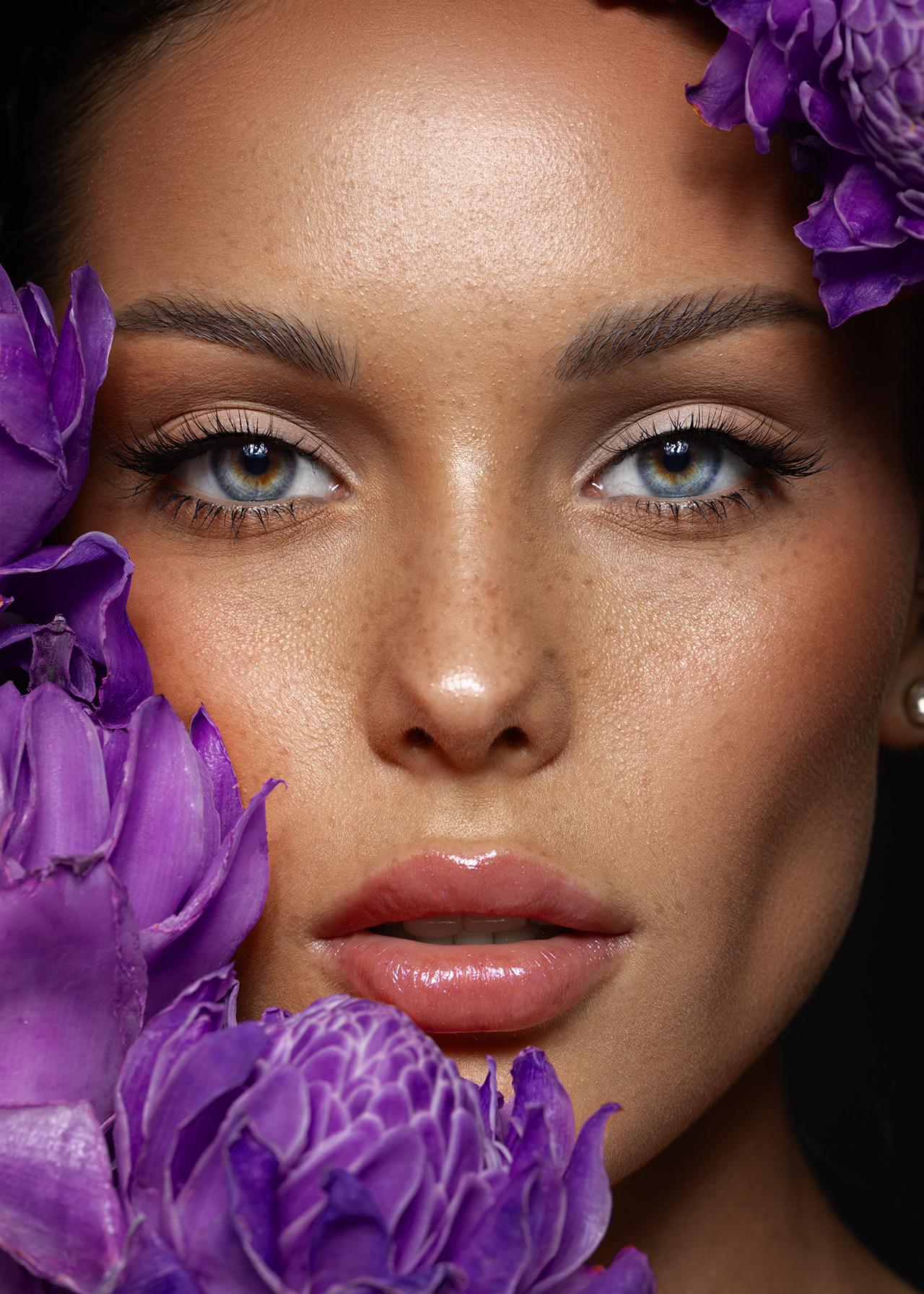
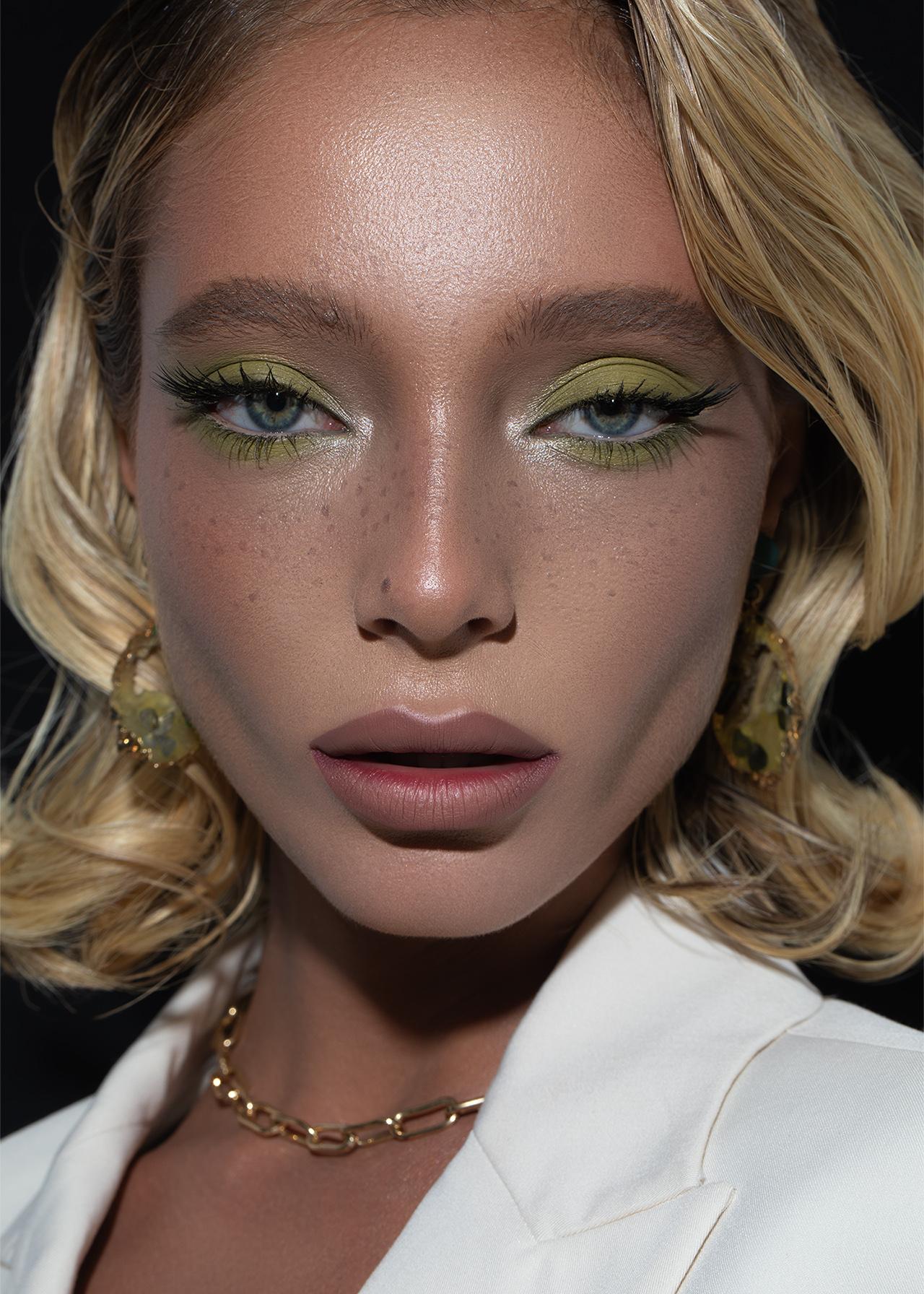
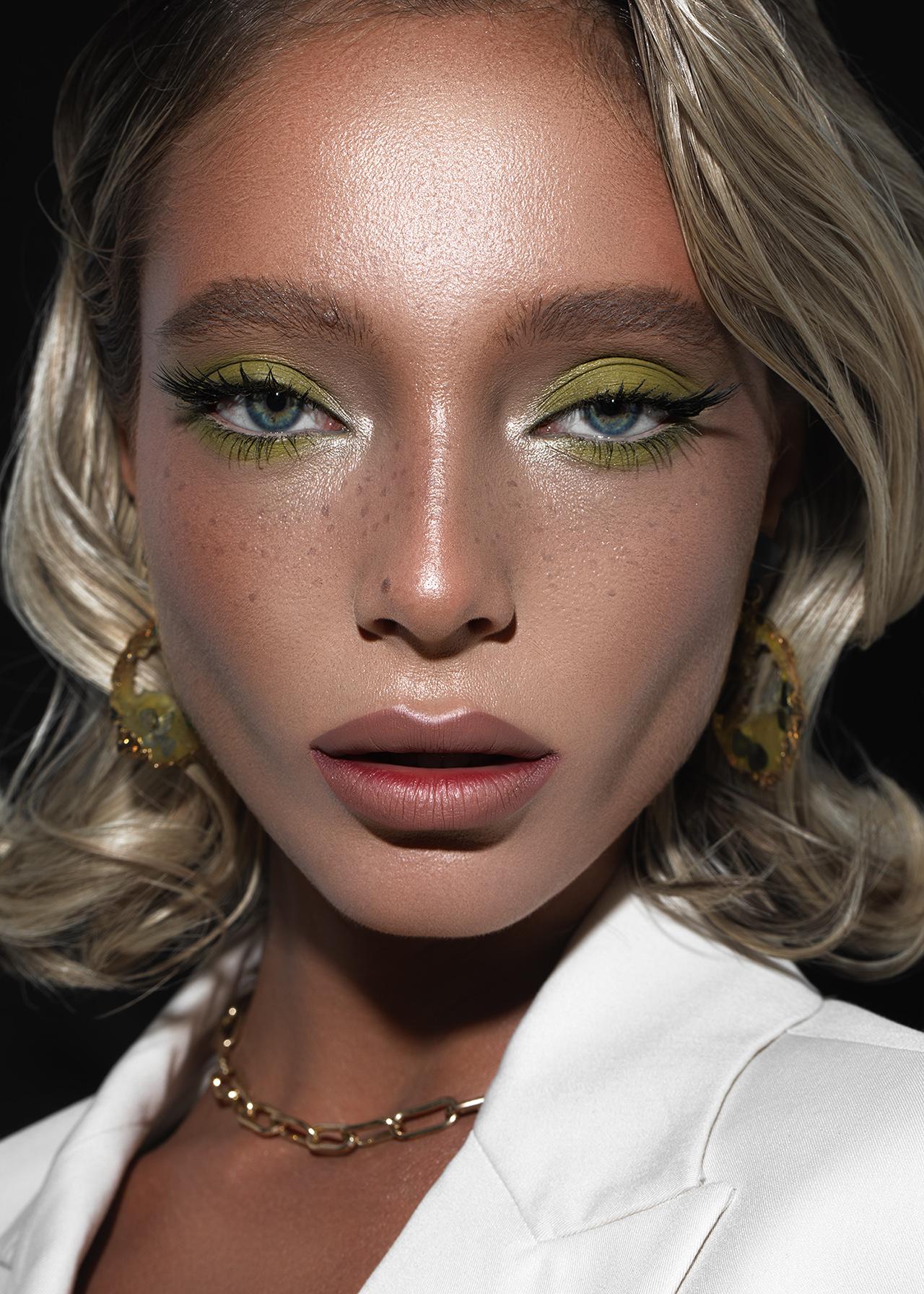
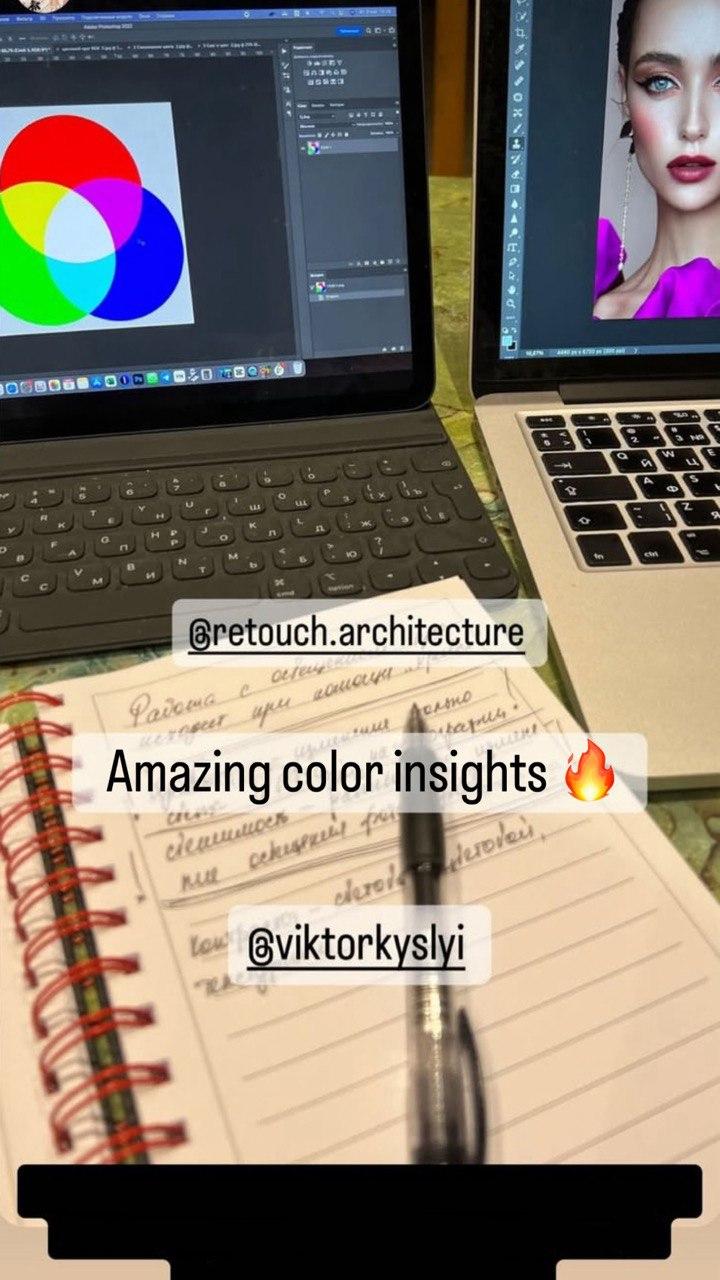
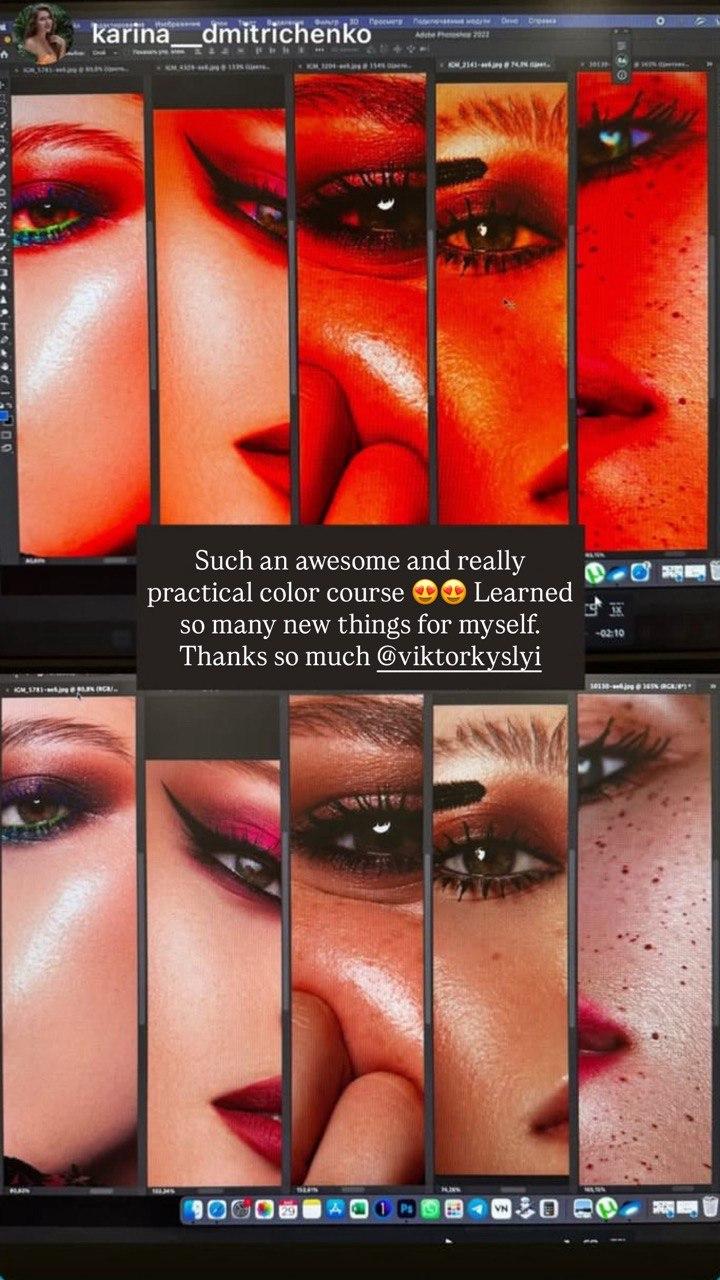
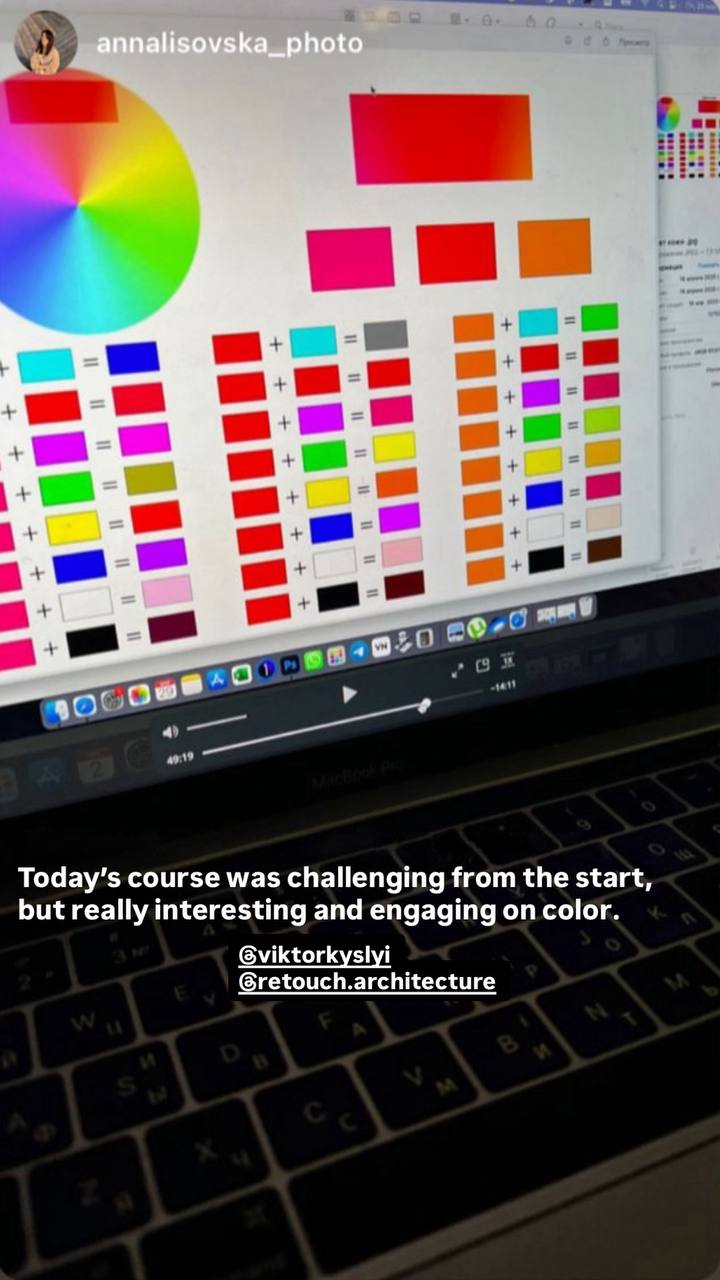
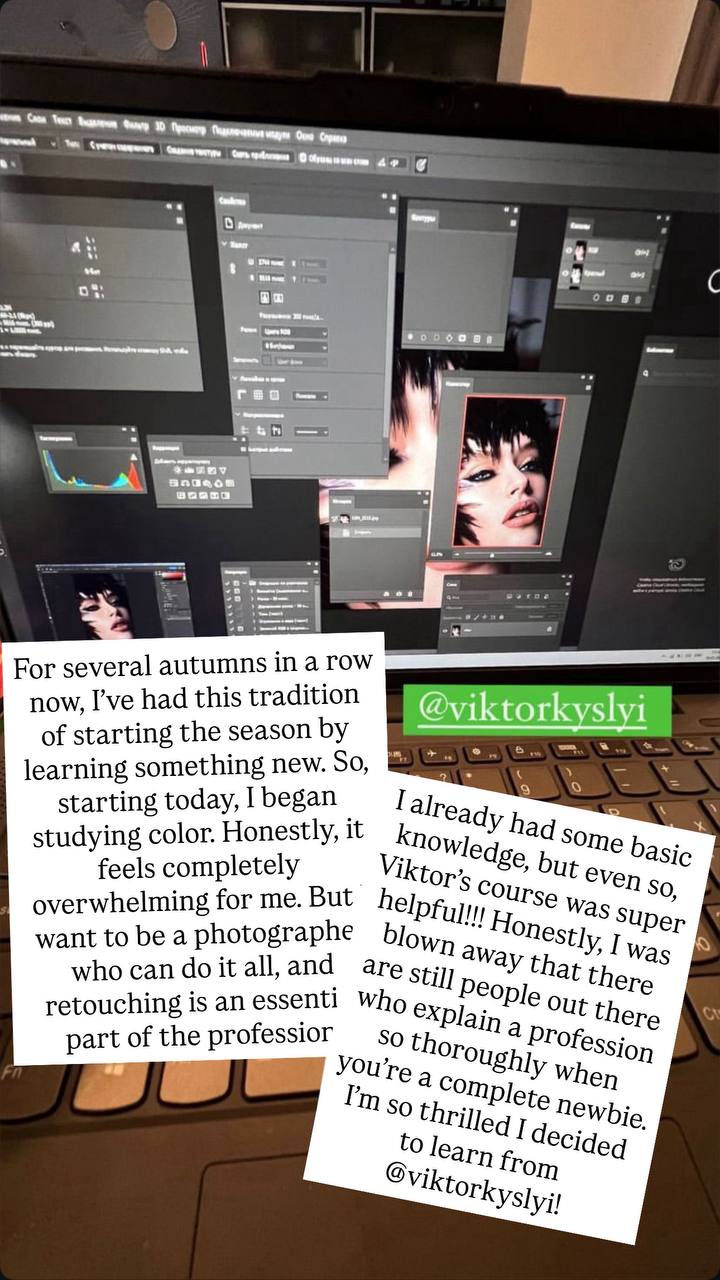
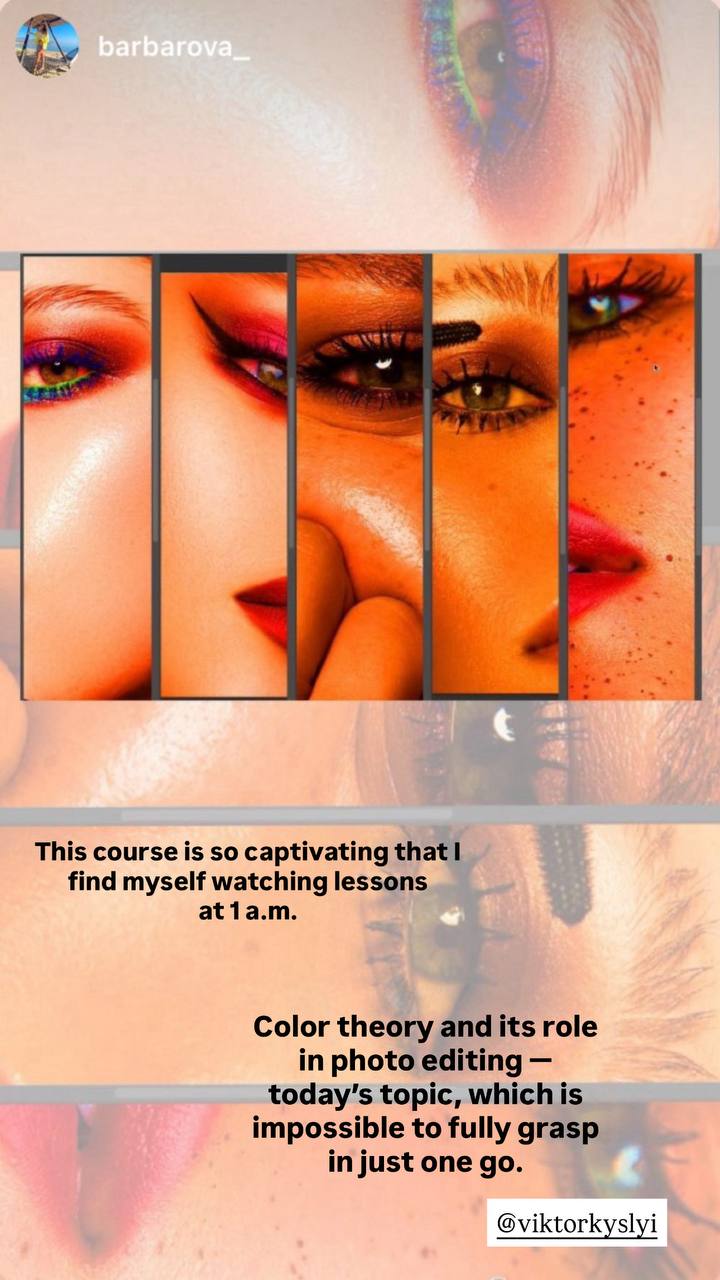
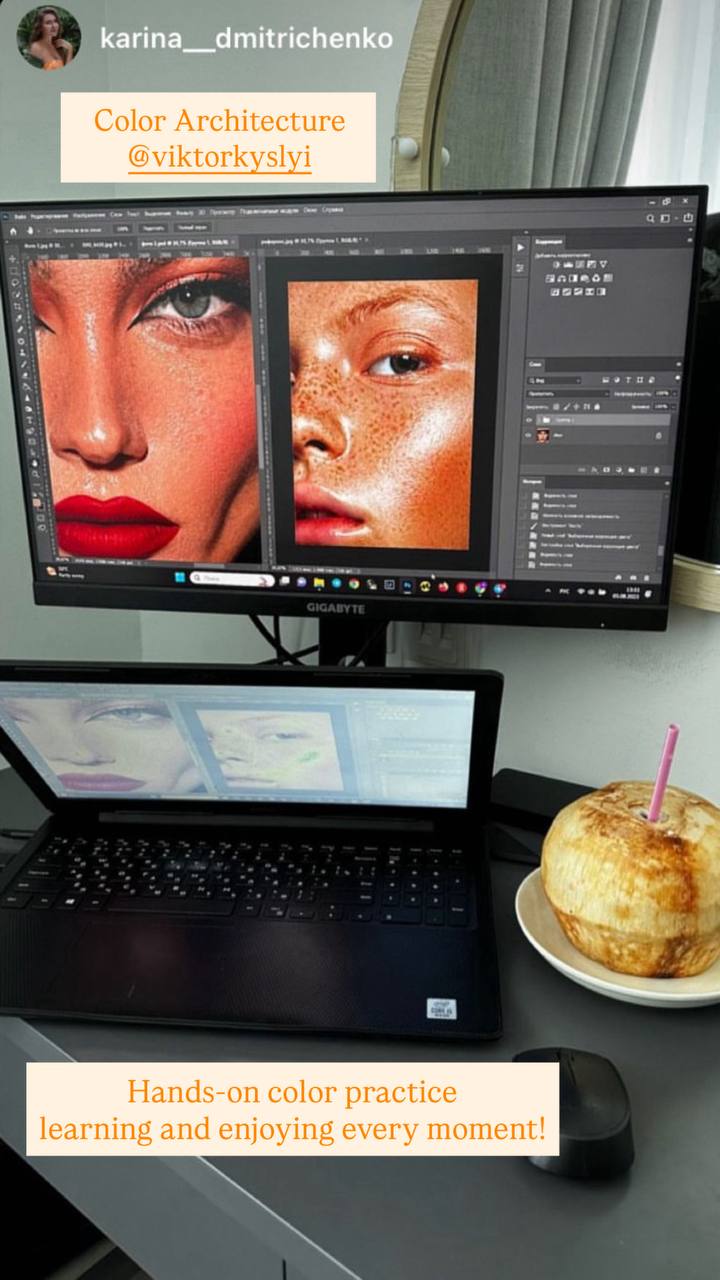
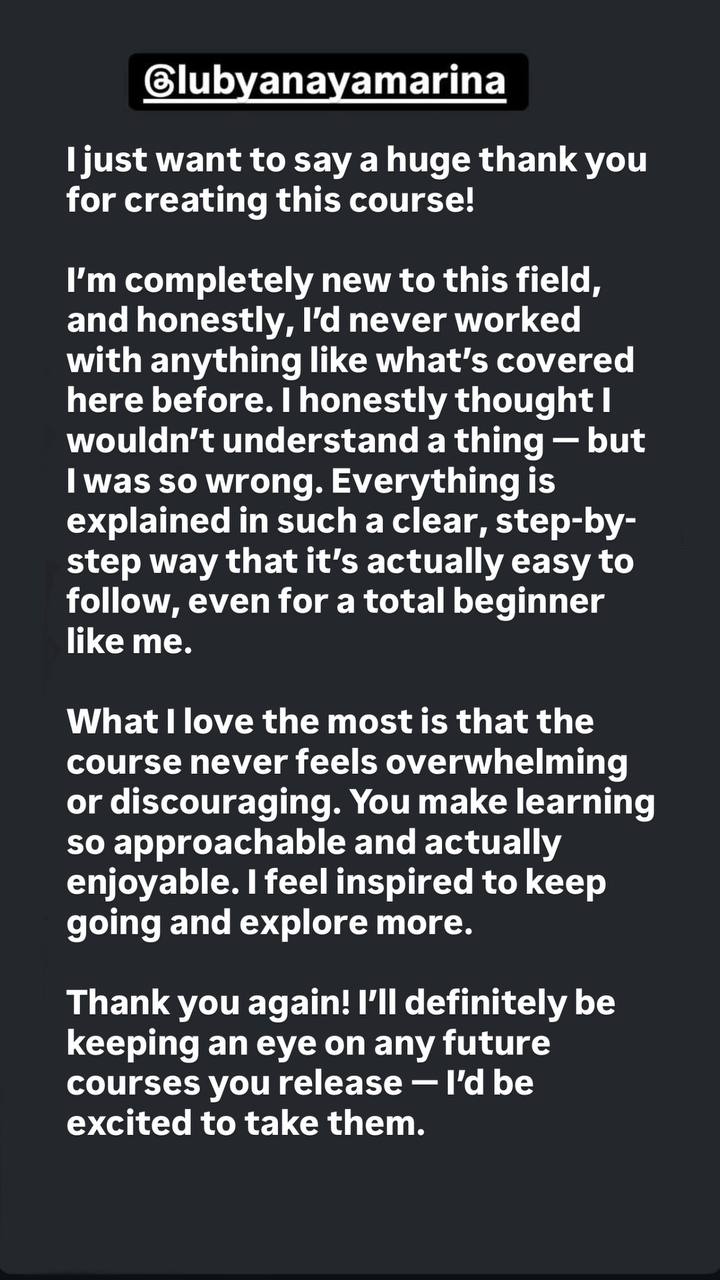
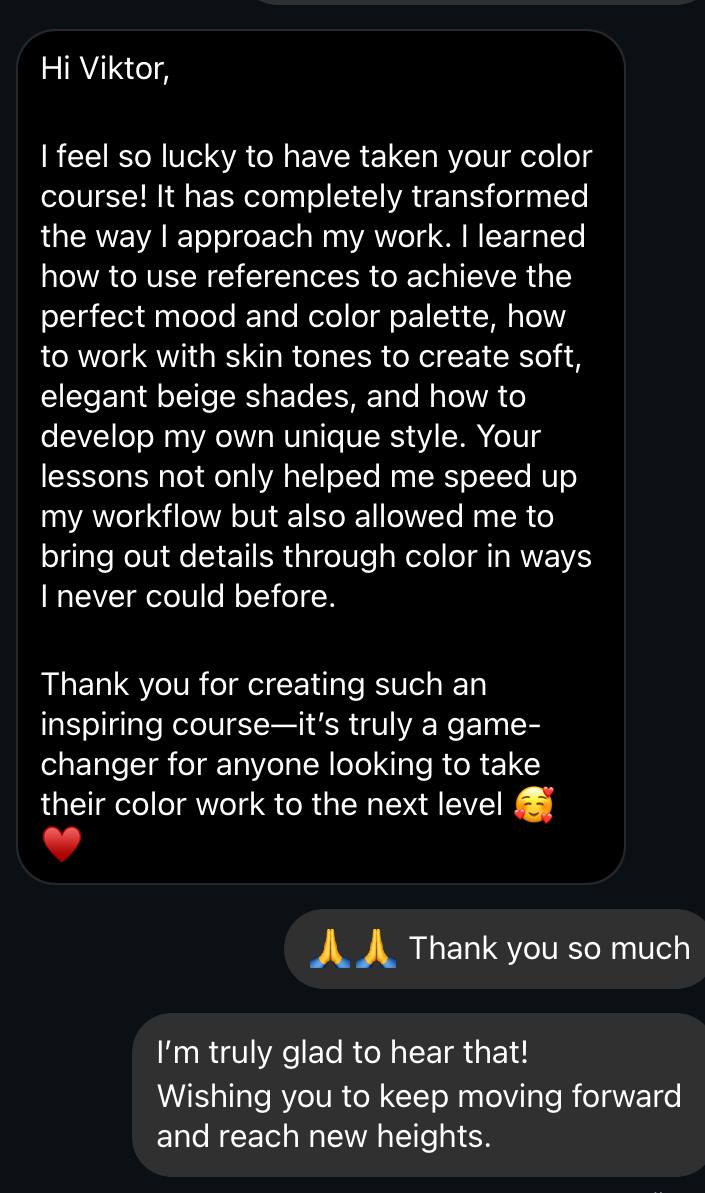
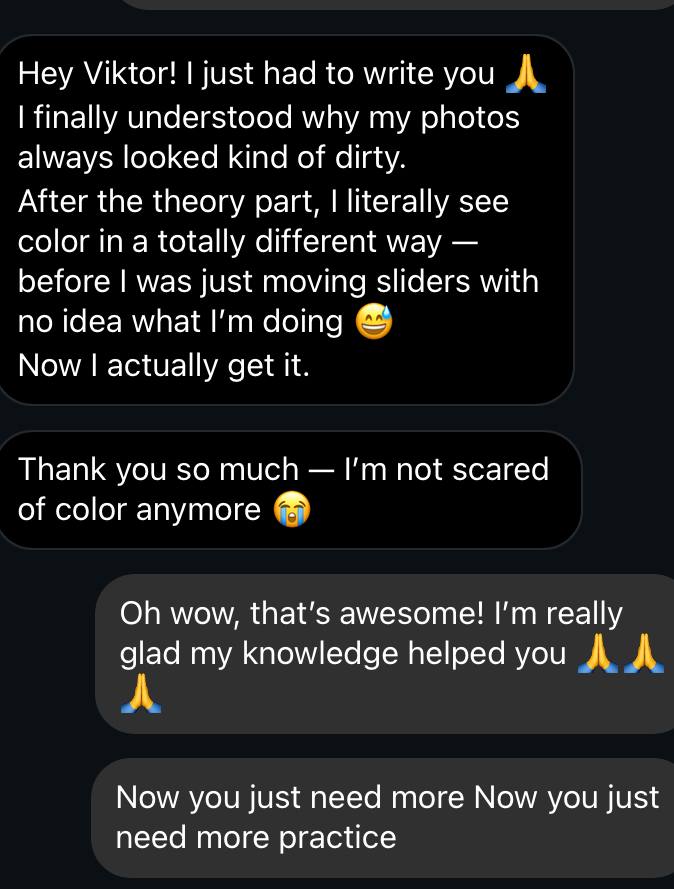
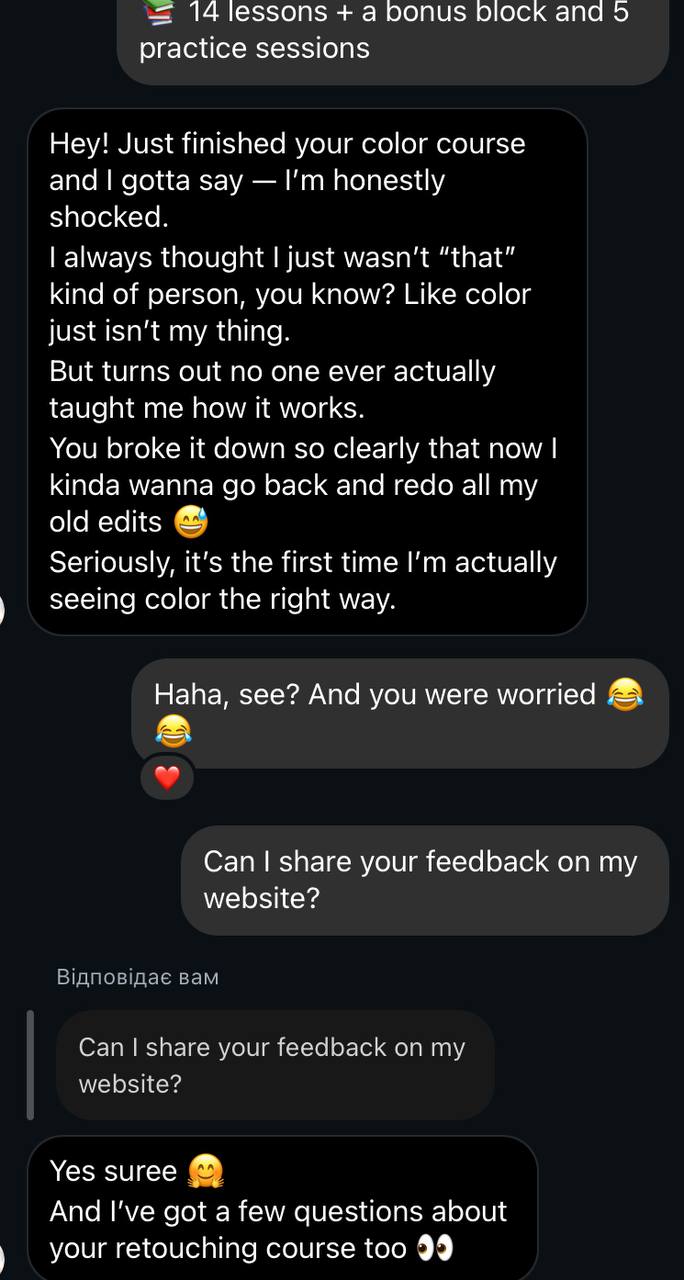
Student Feedback
Module 1. Color Theory
Introduction
• Course goals and objectives
Lesson 1. Color Basics
• How colors mix
• Contrast
• Color saturation
• Light and image brightness
Lesson 2. Color in Photography
• Controlling saturation
• Types of saturation
• Natural colors: greenery, trees, background
• Working with black & white images
• Skin tone and color balance
Lesson 3. Color Perception
• How to “train” your vision
• Fighting eye fatigue
• Monitor calibration
• Perception of brightness and light
Lesson 4. The Rule of Pure Color (Three-Color Rule)
• What is pure color
• How to remove unwanted tints
• Image toning
• Introducing neutral tones
• How to make the viewer fall in love with your image
💡 Module 2. Professional Techniques & Practice
Lesson 5. Professional Techniques (Part 1)
• Evening out skin tone
• Painting with color
• How to create the desired color
Lesson 6. Professional Techniques (Part 2)
• Enhancing skin texture
• Working with freckles
• Changing eye color
• Enhancing highlights
• Working with makeup color
• Using Color Range
• Creating color from scratch
• Removing gray cast
• Whitening teeth
• Fixing red eyes
Lesson 7. Professional Techniques (Part 3)
• Color in landscape photography
• Removing haze and “muddy” effect
• Correcting the color of trees and grass
• Film effect
• Working with RAW files
Lesson 8. Practice
• Background luminance rule
• Skin and makeup saturation
• Increasing clarity and sharpness
• Contrast by extreme points
• Haze effect
Lesson 9. Working with Skin Color and Texture
• Removing yellow tones from hair
• Adjusting image brightness
• Reducing local highlights
Lesson 10. Speeding Up Color Work
• Example of a fast workflow
• Common mistakes when speeding up the process
• Actions for efficiency
Lesson 11. Practice
• Restoring natural tones
• Enhancing skin highlights
Lesson 12. Practice
• Changing clothing color
• Eye color
• Adding volume
• Adding freckles
Lesson 13. Technical Details & Final
• Bit depth: 8/16/32 Bit
• How to avoid banding
• Color models RGB and CMYK
• TIFF format — when to use it
• Photoshop workspace setup
Additional block — 5 practical lessons
Real examples. Real color. Real inspiration.
Frequently Asked Questions
The price is symbolic.
Our goal is to make this knowledge accessible to as many people as possible.
The value of the information in this course is many times higher than its price.
This course is also part of a larger learning system — a full retouching program.
We want more people to experience our approach and quality, and if you like it, you can continue with the full program.
Yes, of course. If you purchased the course but realized it’s not the right fit for you, you can request a refund within 7 days of your purchase.
The main condition: access to most of the lessons must not be fully used. If you’ve already watched a significant portion of the course or downloaded most of the materials, unfortunately, a refund isn’t possible.
To request a refund, just send me a message in Instagram Direct @viktorkyslyi — we’ll handle everything quickly and without any hassle.
Free tutorials give you random tips.
This course gives you a complete system — from theory to practice, with clear explanations of how color perception works and how to apply it with real professional techniques.
Yes. I’ve been studying color in practice for over 15 years.
The course is not only about techniques — it’s about understanding and seeing color, how it’s built, and how it works.
If you don’t learn anything new from this course, I’ll give you a full refund.
You’ll have full access for 6 months.
There are both theory and practice lessons.
I show how I work with color in real examples — and you can download the same photos to practice on your own.
Yes. You’ll have access to a shared WhatsApp group where you can ask questions, talk with me, the mentors, and other students.
You can also get personal support by purchasing the Mentor Plan, which includes one-on-one feedback from a curator.
Yes, all lessons are available on any device with an internet connection.
The lessons are short — around 10–30 minutes each.
You can learn at your own pace.
On average, completing the full course takes about 2–3 weeks of study.
In total, the course includes 280 minutes of content.
There are also homework assignments included.
Right after payment — you’ll get instant access to all lessons.
You can access the course from your phone — the theory part covers general knowledge about color.
The second module starts with professional retouching techniques, and for that, you’ll need any version of Photoshop on your computer.
The main voiceover is in English, but we’ve added audio tracks in other languages: 🇪🇸 🇮🇹 🇫🇷 🇩🇪 🇵🇹 🇵🇱 🇮🇳 🇯🇵 🇺🇦
Absolutely. You create the images — and the final result depends on you.
You’ll learn to understand color, how to work with it on set, how to properly set up your camera, and how your clients perceive color.
You’ll also be able to explain your vision clearly to your retoucher.
When you understand how color works in post-production, you can make smarter decisions on set that save time for the whole team and improve the final result.
We also explore color perception in general — how color works, how people see it, and how to use that knowledge in your creative process.
No. The color theory applies to everything.
Beauty photos are the main examples, but all techniques work for any genre — portrait, fashion, wedding, lifestyle, product, and more.
We even include examples of outdoor photos.
Buy now !!! 🎁
and get an extra
block of 5 practical lessons!
