О курсе
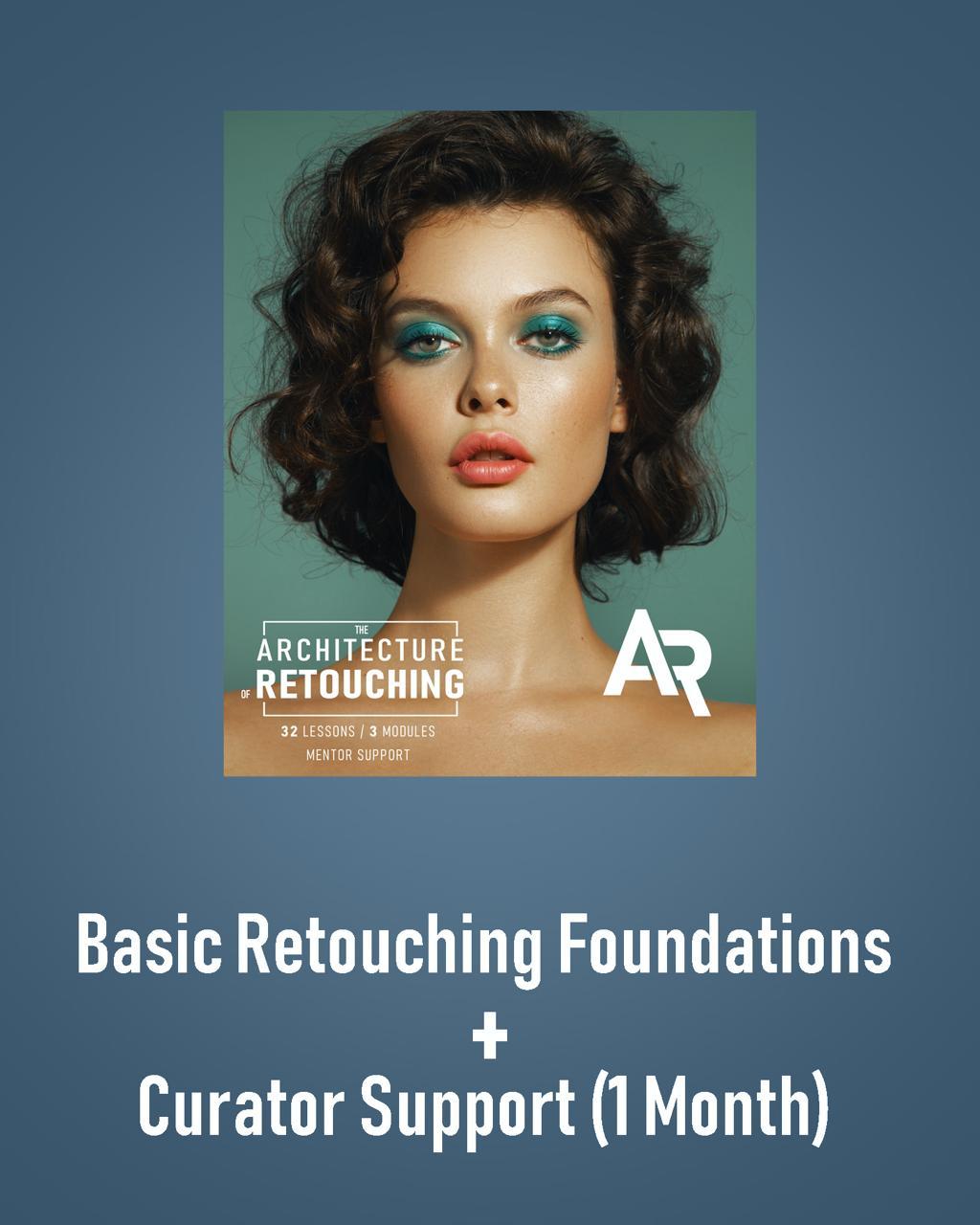
The Architecture of Retouching
Basic Retouching Foundations
This module is perfect for complete beginners — even if you’ve never opened Photoshop before.
⸻
What You’ll Need
• A computer or laptop
• A mouse or a graphic tablet
• A notebook for taking notes
• Before starting the training, you will need to install Adobe Photoshop.
⸻
What’s Included
• 10 pre-recorded lessons
• Lifetime access to all videos
• Homework assignments after each lesson
• Practice materials included
⸻
Lesson Plan (10 Lessons)
1. Introduction / Installing Photoshop
2. Customizing the Program Interface
3. Tools Panel Overview
4. Layers Panel Overview
5. Filters Panel Overview
6. Adjustment Layers
7. Working with Masks
8. Masking Practice
9. Camera Raw
10. Basic Retouching
⸻
By the End of This Module You Will:
• Confidently navigate the essential Photoshop tools for working with images
• Know how to enhance color and light to make your photos stand out
• Master the fundamentals of clean, natural retouching
✔️ ATTENTION: After payment, you will receive two emails:
1. A payment receipt
2. An email from our website with a link to the course and step-by-step instructions
You can also log in to the website, go to the Courses section, and find the module you purchased — your video access will be instantly available.
This plan includes curator support
After payment, you will need to get in touch with your curator.
In the email you receive, you will find a link and a WhatsApp number.
Please send the following information:
• The module you purchased (in one of these formats):
– Module 1 • Basic Retouching Foundations
– Module 2 • Professional Techniques
– Module 3 • Practice in Various Genres
– Full Bundle • All 3 Modules
• Your payment receipt (screenshot)
• The name you would like us to use when addressing you
• Your full name as it should appear on your diploma (in English)
• The exact date you wish to start your training (e.g., “Support starts on August 20, 2025”)
Содержимое курса
Video
-
Lesson 1: Introduction / Installing Photoshop
00:00 -
Lesson 2: Customizing the Program Interface
00:00 -
Lesson 3: Tools Panel Overview
00:00 -
Lesson 4: Layers Panel Overview
00:00 -
Lesson 5: Filters Panel Overview
00:00 -
Lesson 6: Adjustment Layers
00:00 -
Lesson 7: Working with Masks
00:00 -
Lesson 8: Masking Practice
00:00 -
Lesson 9: Camera Raw
00:00 -
Lesson 10: Basic Retouching
00:00
