О курсе
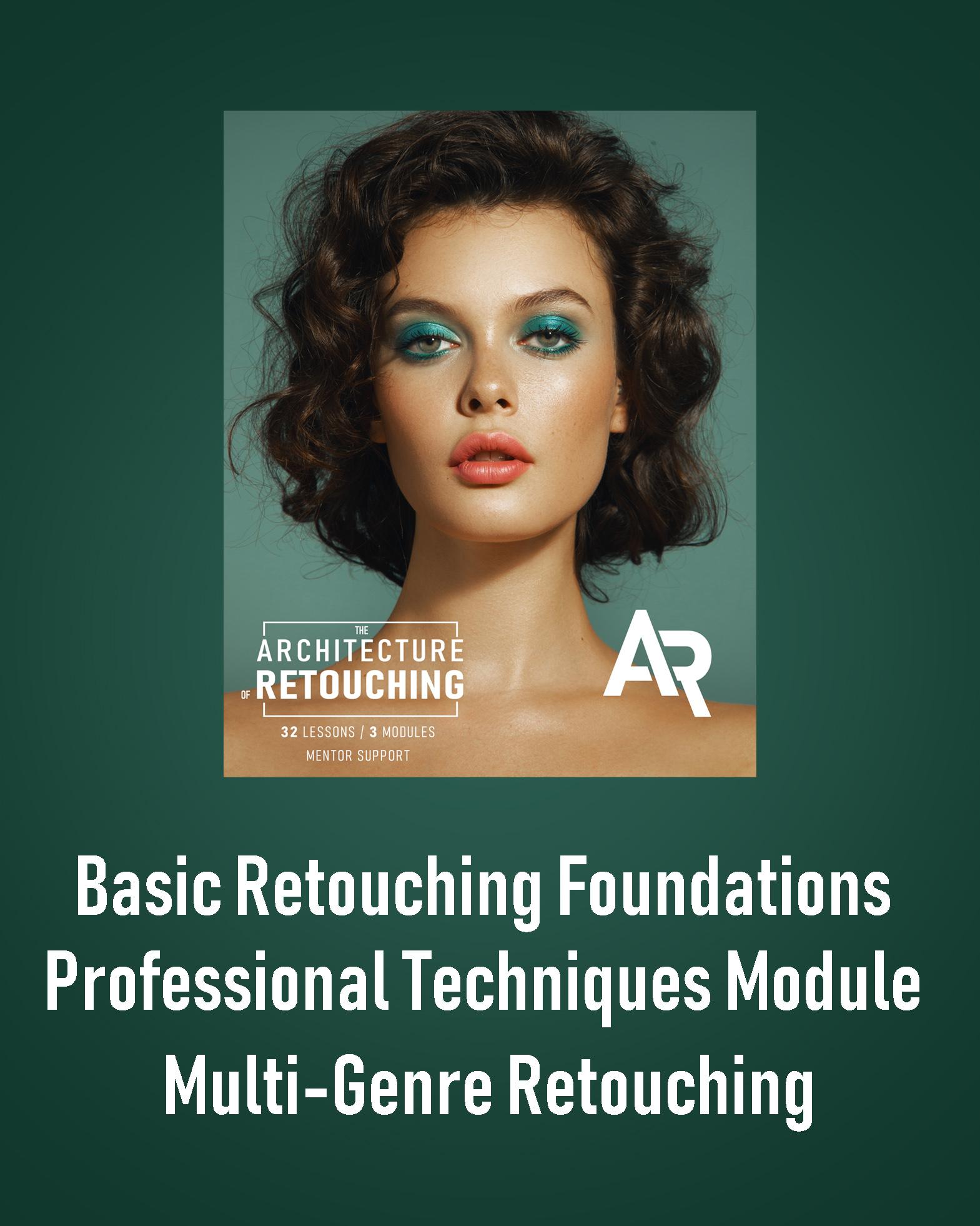
The Architecture of Retouching
Three Professional Modules:
• Basic Retouching Foundations
• Advanced Professional Techniques
• Practice in Various Genres
This comprehensive course is perfect both for complete beginners who have never opened Photoshop and for experienced retouchers looking to refine and elevate their skills.
⸻
What You’ll Need
• A computer or laptop
• A mouse or a graphic tablet
• A notebook for taking notes
• Before starting the course: Install Adobe Photoshop
⸻
What’s Included
• 32 pre-recorded lessons
• Lifetime access to all videos
• Homework assignments after each lesson
• Practice materials included
• 10 professionally retouched photos for your portfolio
⸻
Module 1 — Basic Retouching Foundations (10 Lessons)
1. Introduction / Installing Photoshop
2. Customizing the Program Interface
3. Tools Panel Overview
4. Layers Panel Overview
5. Filters Panel Overview
6. Adjustment Layers
7. Working with Masks
8. Masking Practice
9. Camera Raw
10. Basic Retouching
By the end of this module, you will:
• Confidently navigate essential Photoshop tools for working with images
• Understand how to enhance color and light to make photos stand out
• Master the fundamentals of clean, natural retouching
⸻
Module 2 — Advanced Professional Techniques (10 Lessons)
1. Healing Brush Tool
2. Dodge & Burn Technique
3. Key Nuances of Professional Retouching
4. Frequency Separation — “Glossy Finish” Technique
5. Light & Shadow Sculpting Technique
6. Color Theory
7. Color Correction Techniques
8. Frequency Separation — “Challenging Areas” Technique
9. Clothing Retouching
10. Complete Retouching Workflow
By the end of this module, you will:
• Retouch images at a professional level
• Master the art of precise color correction and enhancement
• Follow a correct, step-by-step professional workflow from start to finish
⸻
Module 3 — Marketing & Multi-Genre Retouching (12 Lessons)
1. Retouching Makeup
2. Working with Low-Quality Photos
3. Full-Body Retouching / Background Work
4. Marketing Fundamentals
5. Social Media & Personal Brand Promotion
6. Pricing & Working with Clients
7. Product Retouching
8. Creating Actions & Presets
9. AI-Assisted Retouching
10. Male Portrait / Mature Skin Retouching
11. Wedding Photography
12. Final Project & Graduation Work
By the end of this module, you will:
• Gain extensive hands-on experience and create a professional portfolio with 10 fully retouched images
• Be ready to work with real clients — from pricing and communication to marketing and social media promotion
• Confidently retouch across various genres, including beauty, product, and wedding photography
✔️ ATTENTION: After payment, you will receive two emails:
1. A payment receipt
2. An email from our website with a link to the course and step-by-step instructions
You can also log in to the website, go to the Courses section, and find the module you purchased — your video access will be instantly available.
Содержимое курса
BASIC MODULE
-
Lesson 1: Introduction / Installing Photoshop
00:00 -
Lesson 2: Customizing the Program Interface
00:00 -
Lesson 3: Tools Panel Overview
00:00 -
Lesson 4: Layers Panel Overview
00:00 -
Lesson 5: Filters Panel Overview
00:00 -
Lesson 6: Adjustment Layers
00:00 -
Lesson 7: Working with Masks
00:00 -
Lesson 8: Masking Practice
00:00 -
Lesson 9: Camera Raw
00:00 -
Lesson 10: Basic Retouching
00:00
