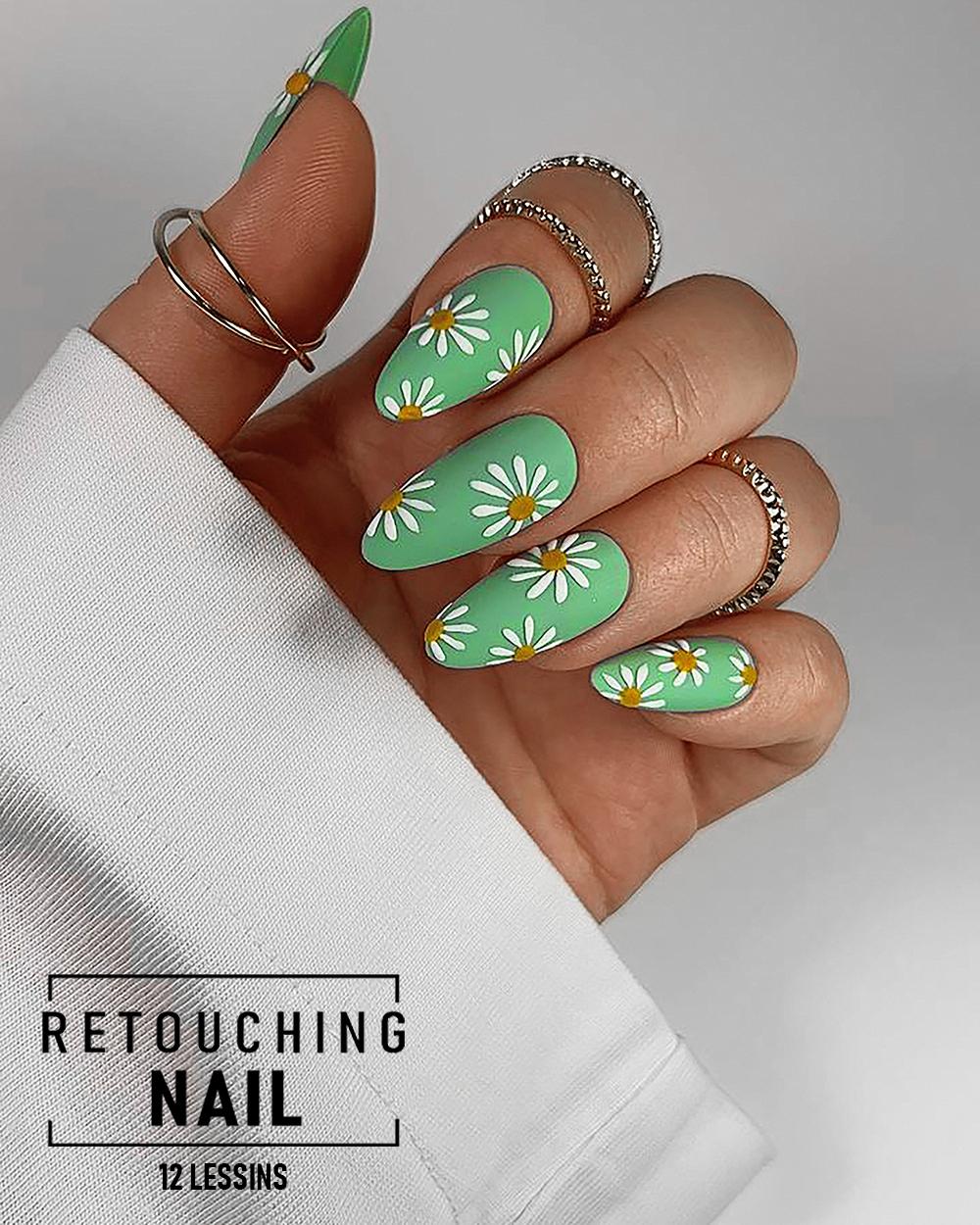
О курсе
This course is created exclusively for Nail Stylists.
📸 Why do you need retouching?
Professional photos:
• make your work look more premium
• attract more clients
• increase trust
• allow you to raise your prices
Clients choose with their eyes.
The course is developed in collaboration with top nail artists to ensure:
• no unnecessary information
• no complicated terminology
• no “scary Photoshop”
🎯 Course goal (in 5–10 minutes per photo):
• create high-quality, commercial nail photos
• build a portfolio that attracts clients
• consistently produce content for social media
You will learn how to:
• retouch nails on your own
• create a portfolio that sells
• make content for promotion and income growth
The course consists of 12 lessons:
1. Introduction and Photoshop installation
2. Opening and saving photos
3. Learning the essential tools
4. Photo clarity and sharpness
5. Color correction
6. Working with defects
7. Changing nail color
8. Removing redness
9. Adjusting nail shape
10. Editing hand skin
11. Retouching algorithm
12. Final. Dust removal
To take the course, you will need:
• a computer or laptop
• a mouse
• Photoshop software
• the first lesson is dedicated to installing the software
• a notebook for notes
• 6 months of course access
• watch anytime at your convenience
• access from any device
• all lessons are pre-recorded
• lesson duration: 15–25 minutes
No prior knowledge or special skills are required.
The course is suitable even for those who have never edited photos before.
✔️ IMPORTANT: After payment, you will receive two emails:
1. A payment receipt
2. An email from our website with a course link and step-by-step instructions
You can also log in to https://www.viktorkyslyi.com/, go to the “Courses” section, and find the course you purchased — access to the videos will be provided instantly.
________________
This plan includes curator support.
After payment, you will need to contact your curator.
Support duration: 1 month.
✔️ IMPORTANT: After payment, you will receive two emails:
1. A payment receipt
2. An email from our website with a course link and step-by-step instructions
In the email, you will find a link and a WhatsApp contact number.
Please provide the following information:
• your payment receipt (screenshot)
• your name
• the exact course start date (for example: “Support starts on January 20, 2026”)
How the training works:
• After each lesson, you complete a homework assignment and submit it for review.
• You can contact your curator with any questions or difficulties during the learning process.
• After completing all lessons, the curator will help you review and refine your own photos.
You can also log in to the website, go to the “Courses” section, and find the Nail Retouching course — access to the videos will be provided instantly.
Содержимое курса
Lessons
-
Lesson 1. Introduction and Photoshop installation
00:00 -
Lesson 2. Opening and saving photos
00:00 -
Lesson 3. Learning the essential tools
00:00 -
Lesson 4. Photo clarity and sharpness
00:00 -
Lesson 5. Color correction
00:00 -
Lesson 6. Working with defects
00:00 -
Lesson 7. Changing nail color
00:00 -
Lesson 8. Removing redness
00:00 -
Lesson 9. Adjusting nail shape
00:00 -
Lesson 10. Editing hand skin
00:00 -
Lesson 11. Retouching algorithm
00:00 -
Lesson 12. Final. Dust removal
00:00
