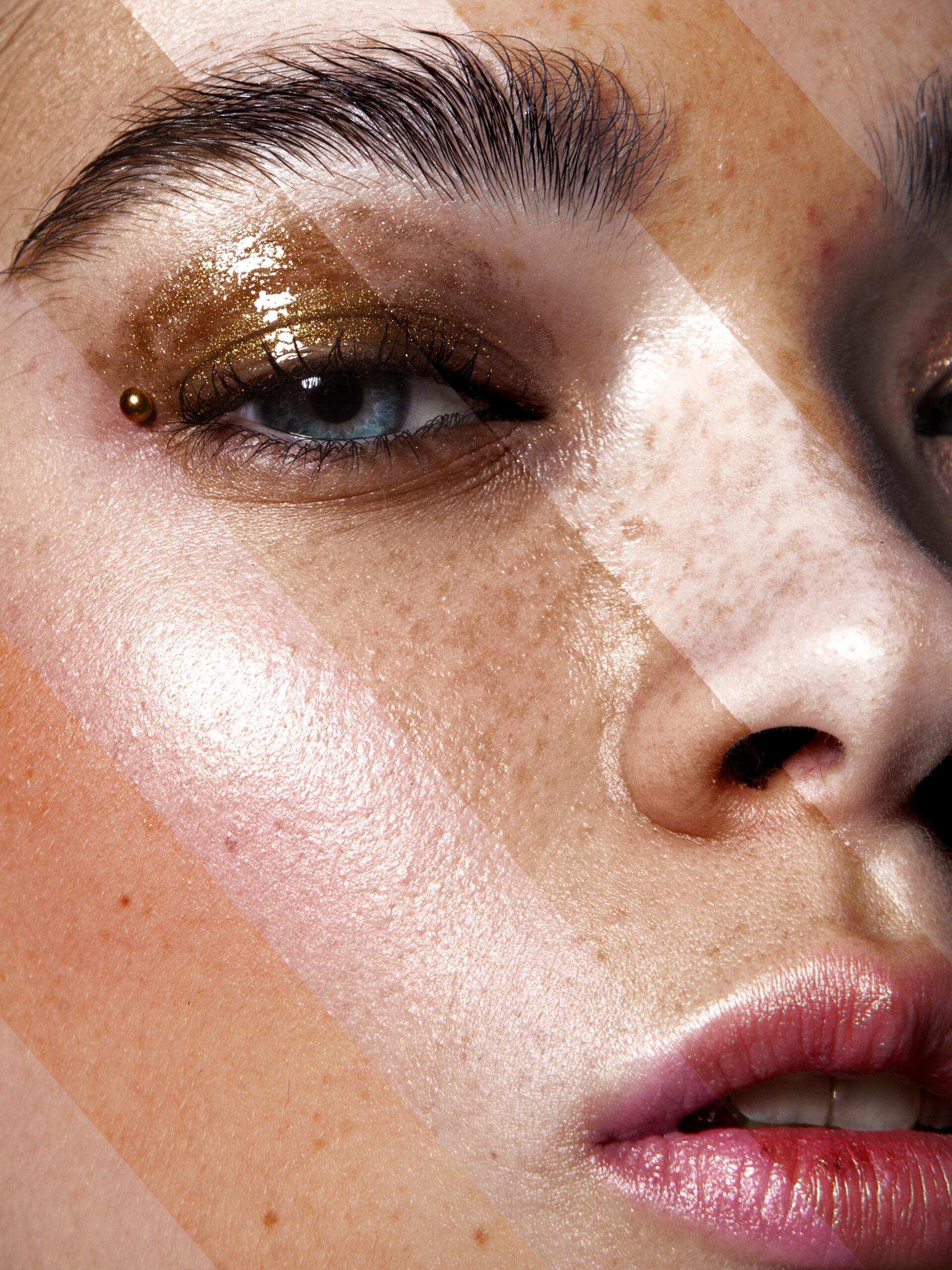
Presets. 10 Essential Tools for Working with Color
I’m excited to present my 10 essential tools for working with color in retouching.
These are the tools I use in 95% of my photographs.
Now they’re combined into ready-made presets to speed up your workflow as a retoucher or photographer.
Just press one hotkey — and the effect is applied.
The set includes an English video tutorial on how to install the presets in Photoshop
and a short guide on how to use each tool.
⸻
🧩 Main Color Correction Tools:
1. Lighting / Luminosity
Works with the Curves tool.
Allows you to control the light of the photo — adjusting brightness and luminosity.
2. Tanning effect
Creates a soft tan — a warm, dark-orange skin tone.
3. Contrast
Adds three types of contrast:
• Classic contrast
• Contrast at extreme points
• Contrast through curves
4. Enhance texture and freckles
Enhances skin texture and brings out freckles.
5. Skin color saturation
Adds richness and depth to the skin tone.
6. Skin color balance
Balances red and yellow tones in the skin.
7. Cleanness of color
Removes unwanted color casts, creating a clean, natural look.
8. Teeth whitening
Removes yellow tint from teeth and gently brightens them.
9. Remove redness in eyes
Removes red, purple, and blue tones from the eyes.
10. Reducing local glare
Softens local highlights and makes them less distracting —
doesn’t remove them completely, but reduces attention to them significantly.

Отзывы
Отзывов пока нет.